Readable with lights on
Brightness chosen for rooms where people need to take notes.
Training, seminar, and classroom rentals
Projectors and screens for corporate training classes, seminars, workshops, schools, and long-term classroom needs.
At a glance
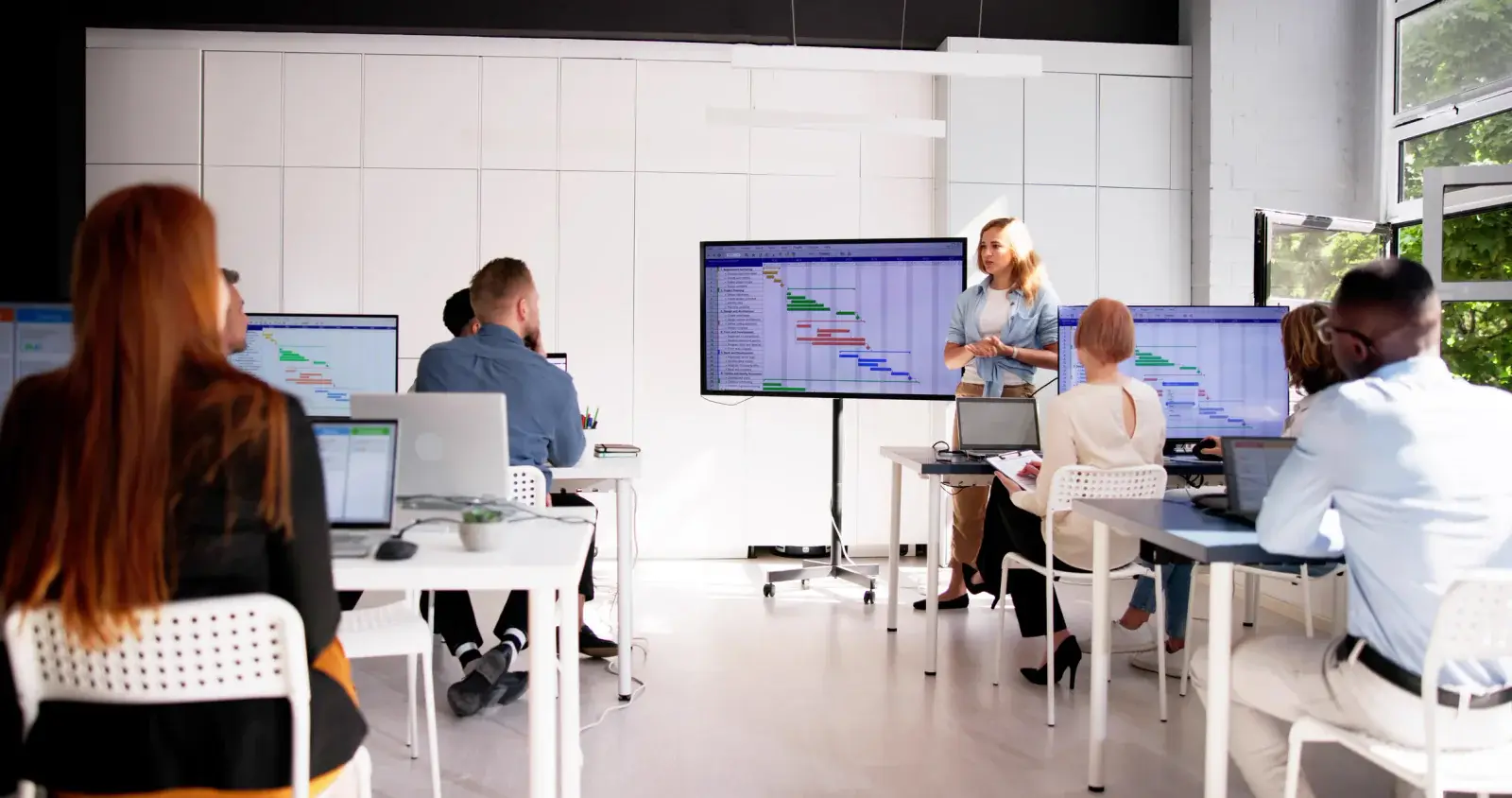
RentOurProjectors.com rents projectors for training classes, seminars, workshops, and classrooms, for a single day or a full school term. Most rooms of 20 to 75 learners do well with a 4,000 to 6,000 lumen projector, and short throw models are a good choice when the instructor stands near the screen.
Training rooms are often used with the lights partly on so learners can take notes and work on laptops. That means a training projector needs more brightness than a darkened screening room and enough resolution that software screens and small text stay readable from the back row.
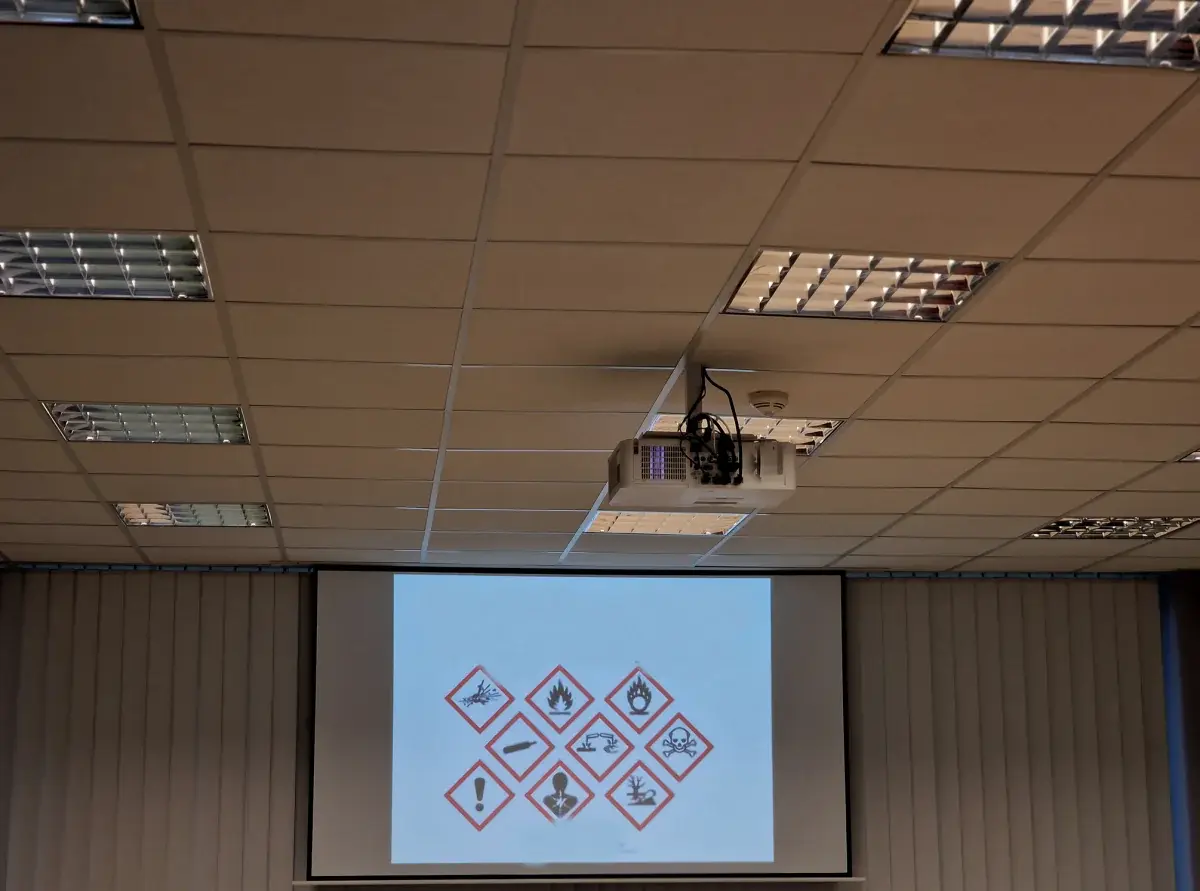
Short throw projectors are popular for classrooms and workshops. Placed a few feet from the screen, they keep light out of the instructor's eyes and reduce shadows when someone walks to the front. For larger seminar rooms, a standard throw projector on a cart at the back of the room, paired with a fast-fold screen, keeps the image large and clear.
Rentals fit the way training actually happens: a one-day workshop at a hotel, a week of certification courses, a temporary classroom during a renovation, or a full semester while a school or district waits on new equipment.
| Recommended brightness | 4,000 to 6,000 lumens for most classrooms with some lights on |
|---|---|
| Projector type | Short throw for instructor-led rooms, standard throw for larger seminars |
| Resolution | WUXGA or 1080p so software screens and small text stay legible |
| Screen | Tripod or fast-fold, sized to the farthest learner |
| Rental length | Single day through a full term or longer |
General guidance. Your quote confirms the exact equipment for your room, audience, and dates. Try the projector calculator for your own numbers.
Why it works
Brightness chosen for rooms where people need to take notes.
Short throw options keep the instructor out of the light path.
Monthly rentals for semesters, renovations, and temporary classrooms.
Identical setups across several rooms keep instructions consistent.
Planning guide
Decide how much light learners need. If the room stays bright for note-taking, step up in brightness rather than dimming the lights. Place the screen where windows do not shine directly on it, and keep the top of the image within a comfortable viewing angle for the front row. If the instructor writes on a whiteboard, put the screen to one side so both can be used.
For software training, resolution matters as much as brightness. A WUXGA or 1080p projector shows menus and code clearly, and a 16:10 aspect ratio matches many laptop screens. Add a small powered speaker if you will play videos, since built-in projector speakers rarely fill a classroom.
For a quote, send the number of rooms, learners per room, room dimensions or photos, the start and end dates, and whether the instructor will use their own laptop. For term rentals, mention any school receiving requirements, building access hours, or purchase order and tax-exempt paperwork your district needs.
Availability and exact models vary. Your quote confirms the equipment, accessories, and delivery plan for your dates. Want to go deeper first? Read our projector planning guides or the projector rental FAQ.
Yes. Monthly rentals work well for semesters, school renovations, and temporary classrooms. Tell us the start and end dates and how many rooms need equipment.
A short throw projector sits close to the screen, so the instructor can stand at the front with less light in their eyes and fewer shadows on the image. It also works well in smaller rooms.
Most training rooms with lights partly on do well in the 4,000 to 6,000 lumen range for groups of about 20 to 75. Larger or brighter rooms need more.
Yes. Matching projectors, screens, and connections across rooms helps instructors and keeps setup simple. We quote multi-room training programs together.
Compare projector options
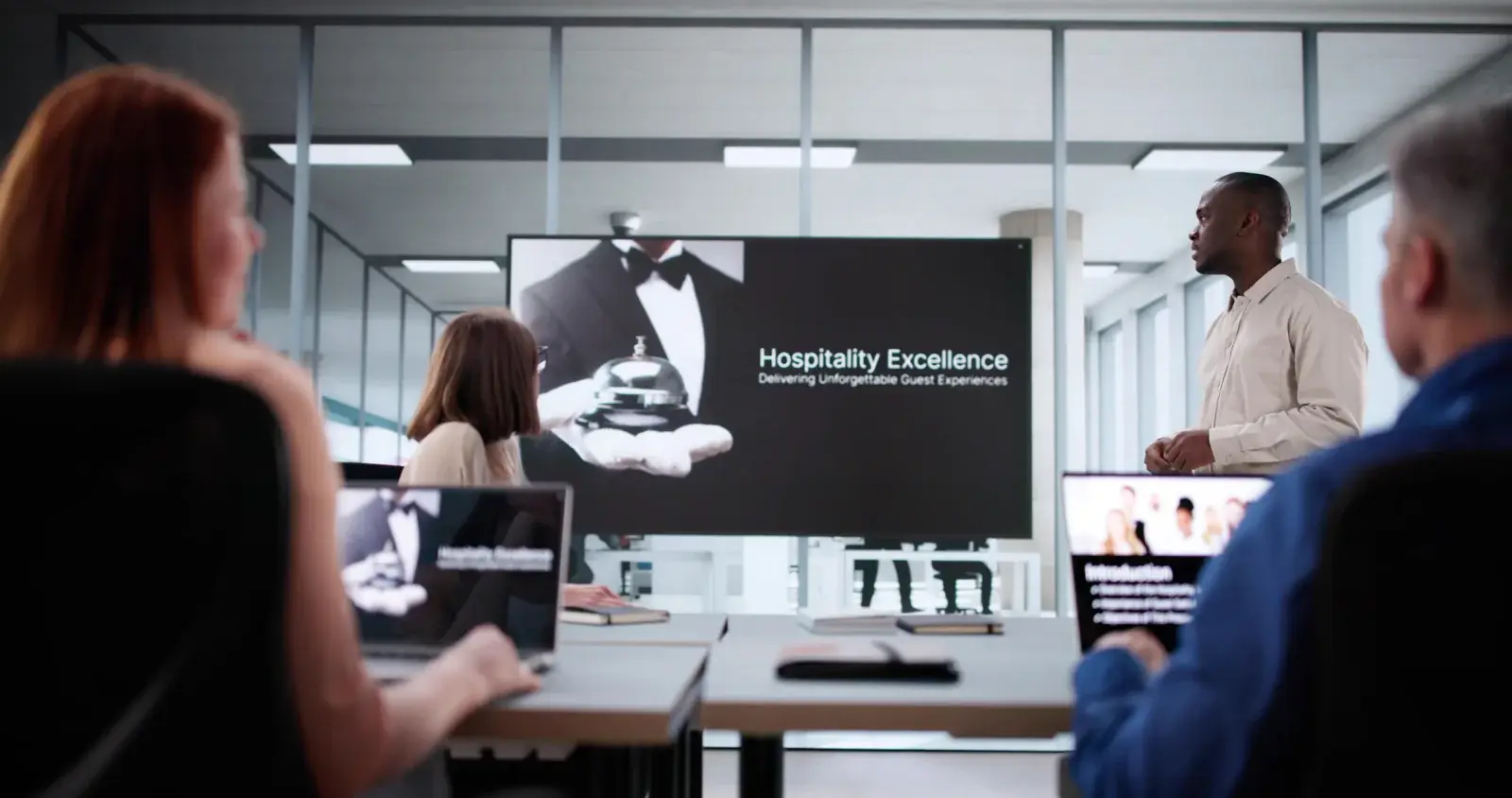
Short throw and ultra short throw projectors that create large images from just a few feet away, ideal for tight rooms, booths, and interactive setups.
View rentals →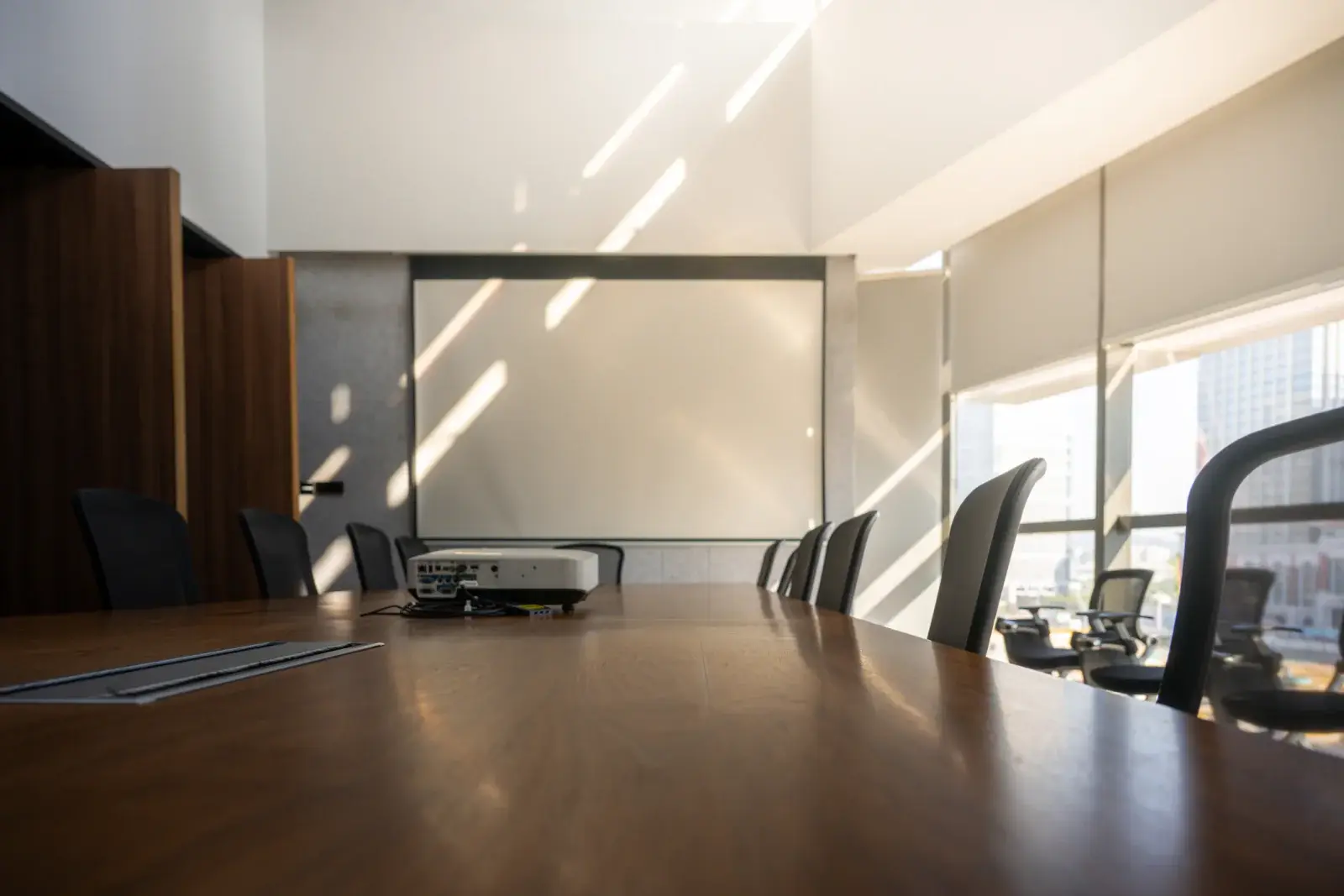
LCD and DLP projectors in the 3,000 to 6,000 lumen range for conference rooms, training rooms, offices, and small events.
View rentals →
Complete projector packages with a screen, cables, and stand, plus optional sound, microphone, and laptop, sized to your audience.
View rentals →Free, no-obligation quote
Tell us the occasion, audience size, location, and date. We will recommend the right projector, screen, and sound, and send a quote built around your event.