Sized to your room
We match brightness to your audience count and room lighting so slides stay readable without turning off every light.
Conference rooms, classrooms, and offices
LCD and DLP projectors in the 3,000 to 6,000 lumen range for conference rooms, training rooms, offices, and small events.
At a glance
Yes, you can rent a business projector for a single meeting, a week of training, or a months-long project from RentOurProjectors.com. For most conference rooms and classrooms, a 3,000 to 6,000 lumen LCD or DLP projector with HDMI input is the right fit. Tell us your room size, audience count, and dates, and we will recommend a projector, screen, and cables to match.
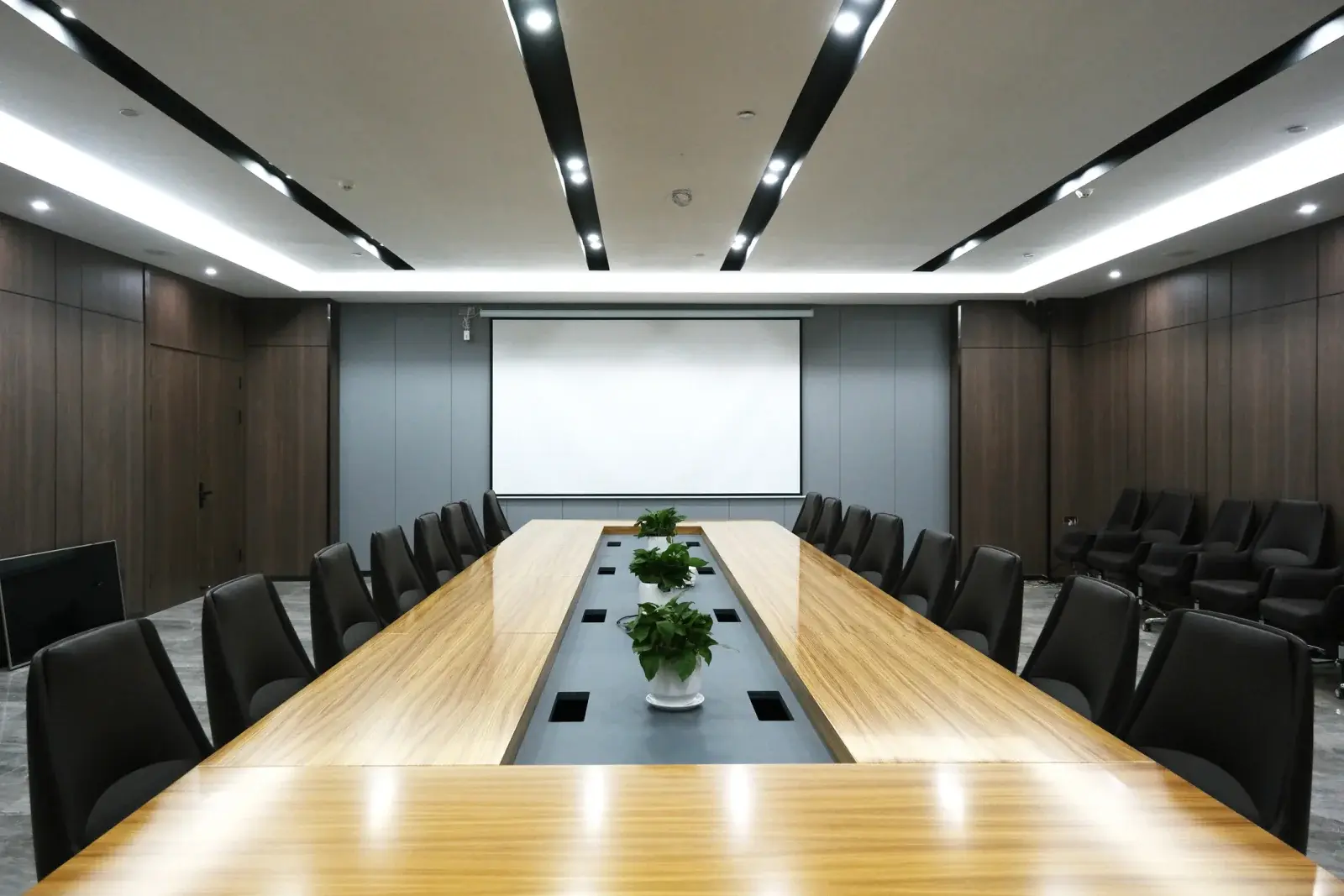
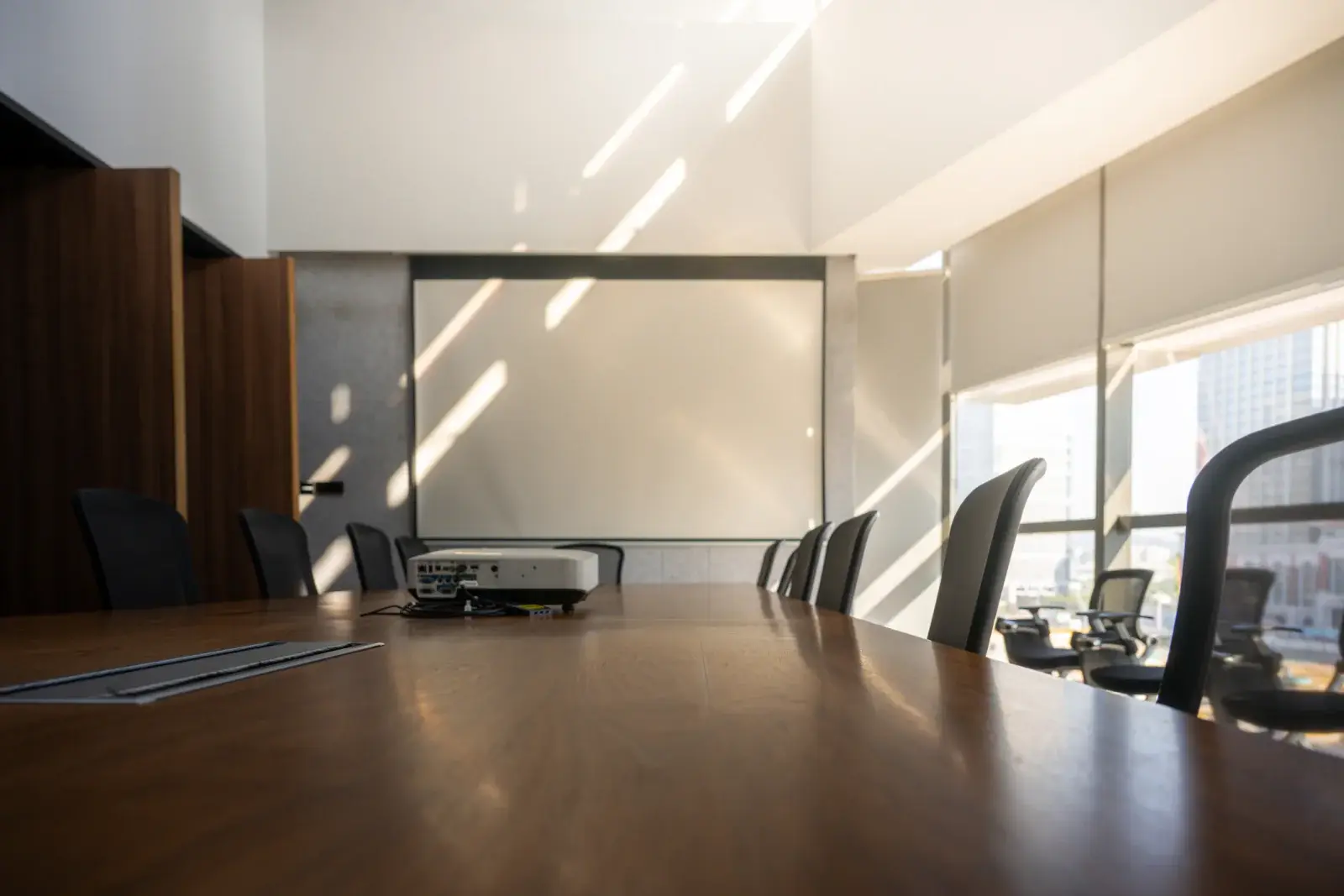
A business projector is the workhorse of meeting rooms, hotel breakouts, and training spaces. It sits on a table or cart, connects to a laptop with a single HDMI cable, and puts slides, spreadsheets, and video on a screen large enough for everyone in the room to read. Models in the 3,000 to 4,000 lumen range suit rooms of up to about 20 people with the lights dimmed, while 4,000 to 6,000 lumens handles groups of roughly 20 to 75 and rooms that cannot be fully darkened.
Most rental business projectors use either LCD (often called 3LCD) or DLP technology. LCD projectors produce bright, saturated color and never show the rainbow effect some viewers notice with single-chip DLP. DLP projectors tend to be compact, offer strong contrast, and use sealed optics that hold up well to frequent transport. Either type works well for business content, and our guide on LCD vs DLP vs laser explains the tradeoffs in more depth.
Renting makes sense when your installed projector is down, when a team is meeting off site, or when you need several identical units for breakout rooms. Companies, schools, government offices, nonprofits, and meeting planners all rent business projectors for exactly these situations.
| Typical brightness | 3,000 to 6,000 ANSI lumens |
|---|---|
| Best audience size | About 5 to 75 people |
| Common screen sizes | 6 to 10 feet wide |
| Resolution | WXGA (1280x800) to WUXGA (1920x1200) |
| Throw distance | Standard lens, roughly 1.4 to 2.0 times the image width |
| Setup time | About 15 to 30 minutes |
| Power | One standard grounded outlet |
General guidance. Your quote confirms the exact equipment for your room, audience, and dates. Try the projector calculator for your own numbers.
Why it works
We match brightness to your audience count and room lighting so slides stay readable without turning off every light.
HDMI is standard, and we can add USB-C or DisplayPort adapters so any presenter's laptop connects.
Pair the projector with a tripod or fast-fold screen and a projector cart for a clean, self-contained setup.
Rent matching projectors for breakout rooms so every session looks and connects the same way.
Planning guide
Start with the room. Measure the distance from where the projector can sit to the screen wall, and note how far the back row will be from the screen. A good rule is to make the image at least one sixth as tall as the distance to the farthest viewer so text and charts are easy to read. Then think about light: windows, glass walls, and overhead fixtures that cannot be dimmed all push you toward the upper end of the brightness range.
Next, list the devices that will connect. Most laptops have HDMI, but many newer models only have USB-C, and some presenters bring tablets. If several people will present, an HDMI switcher or a long cable run to the lectern saves time between speakers. Also decide whether the room has built-in audio; if not, a small powered speaker makes video clips and remote callers much easier to hear.
When you request a quote, include the room dimensions, audience size, lighting conditions, the devices presenters will use, and whether you want delivery and setup or prefer to have the equipment shipped. That is enough for us to recommend a complete, ready-to-use kit.
Availability and exact models vary. Your quote confirms the equipment, accessories, and delivery plan for your dates. Want to go deeper first? Read our projector planning guides or the projector rental FAQ.
For a dimmable room with up to about 20 people, 3,000 to 4,000 lumens is usually plenty. Rooms with 20 to 75 people, or rooms with windows you cannot cover, are better served by 4,000 to 6,000 lumens.
Both produce sharp, readable slides. LCD models are known for bright color and no rainbow effect, while DLP models are compact with high contrast. For most meetings the deciding factors are brightness and inputs, not the imaging technology.
Nearly all business projectors accept HDMI. If your laptop only has USB-C or DisplayPort, tell us the model and we will include the right adapter so you are not hunting for one before the meeting.
Yes. Matching projectors, screens, and cables can be prepared for each room, and setup can be coordinated across the venue. Share the room list and session times in your quote request.
Compare projector options
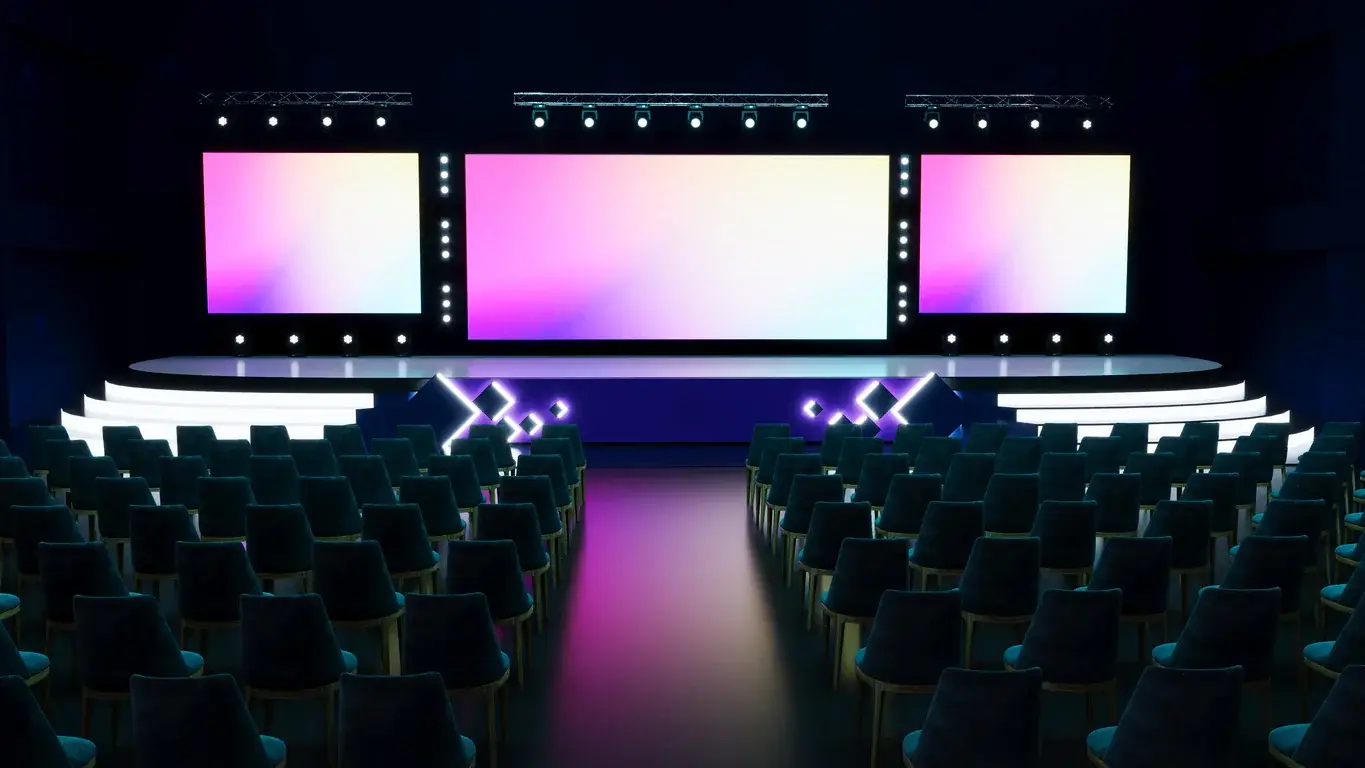
Tripod, fast-fold front and rear projection, and inflatable outdoor screens in a range of sizes, with dress kits and drapes available.
View rentals →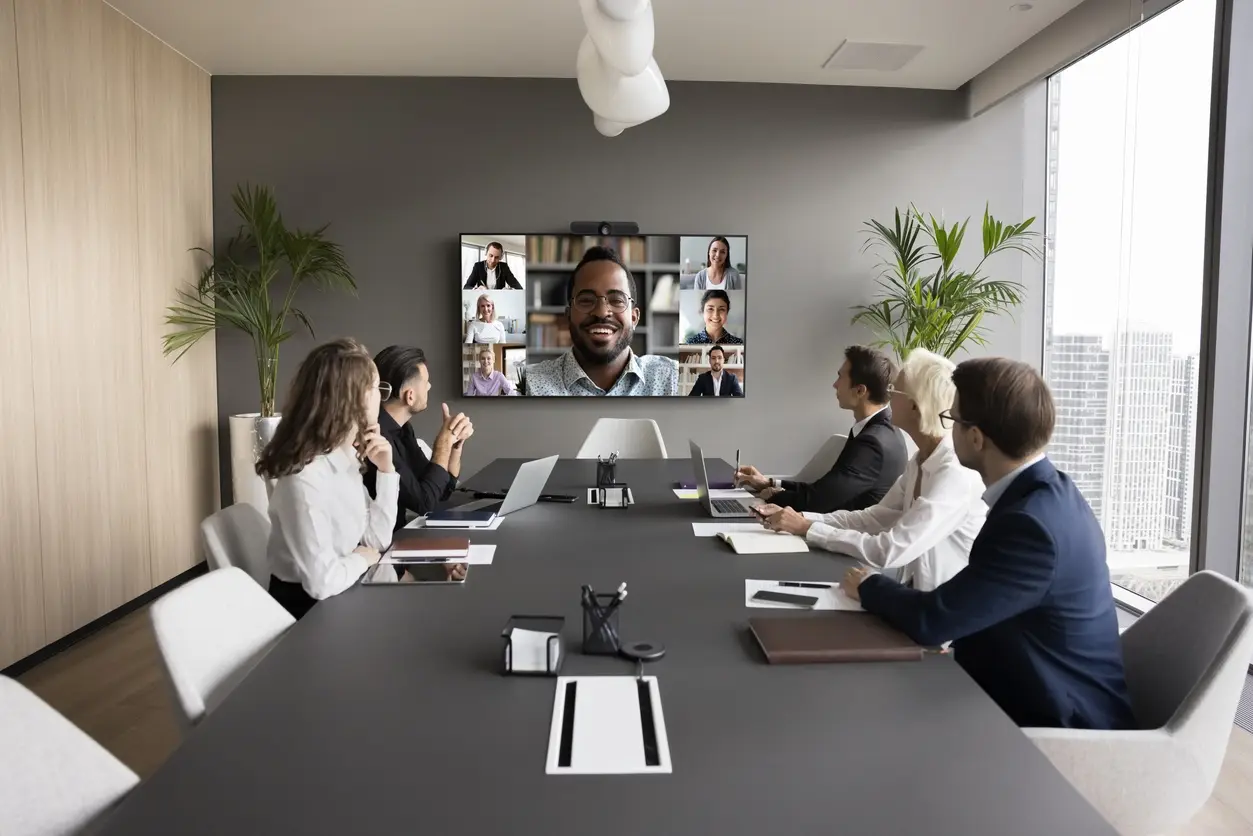
Projectors with wireless screen sharing for multi-presenter meetings, BYOD sessions, classrooms, and collaborative workshops.
View rentals →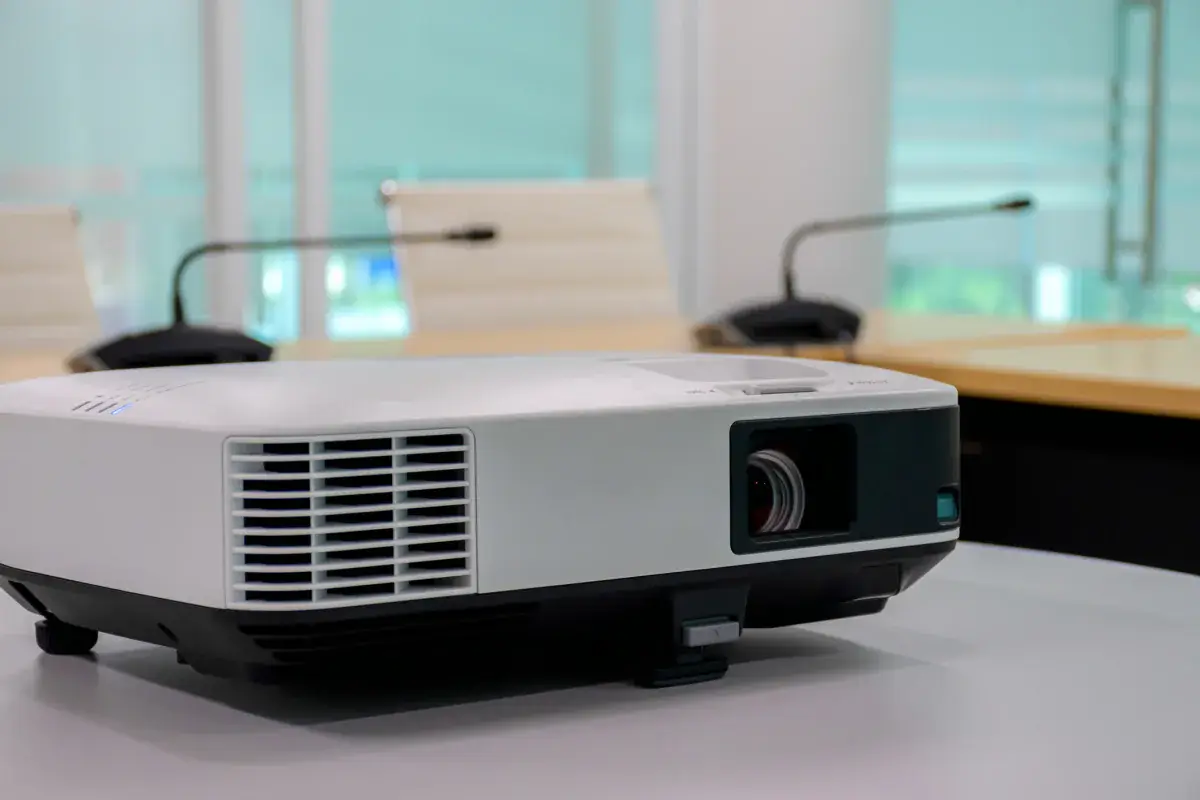
Complete projector packages with a screen, cables, and stand, plus optional sound, microphone, and laptop, sized to your audience.
View rentals →Free, no-obligation quote
Tell us the occasion, audience size, location, and date. We will recommend the right projector, screen, and sound, and send a quote built around your event.