Right-sized brightness
Projectors are matched to the audience and room light, so charts stay readable even when the house lights stay partly up for note taking.
Companies, sales teams, and corporate events
Projectors, screens, and audio for sales meetings, all-hands, kickoffs, offsites, training, and client events.
At a glance
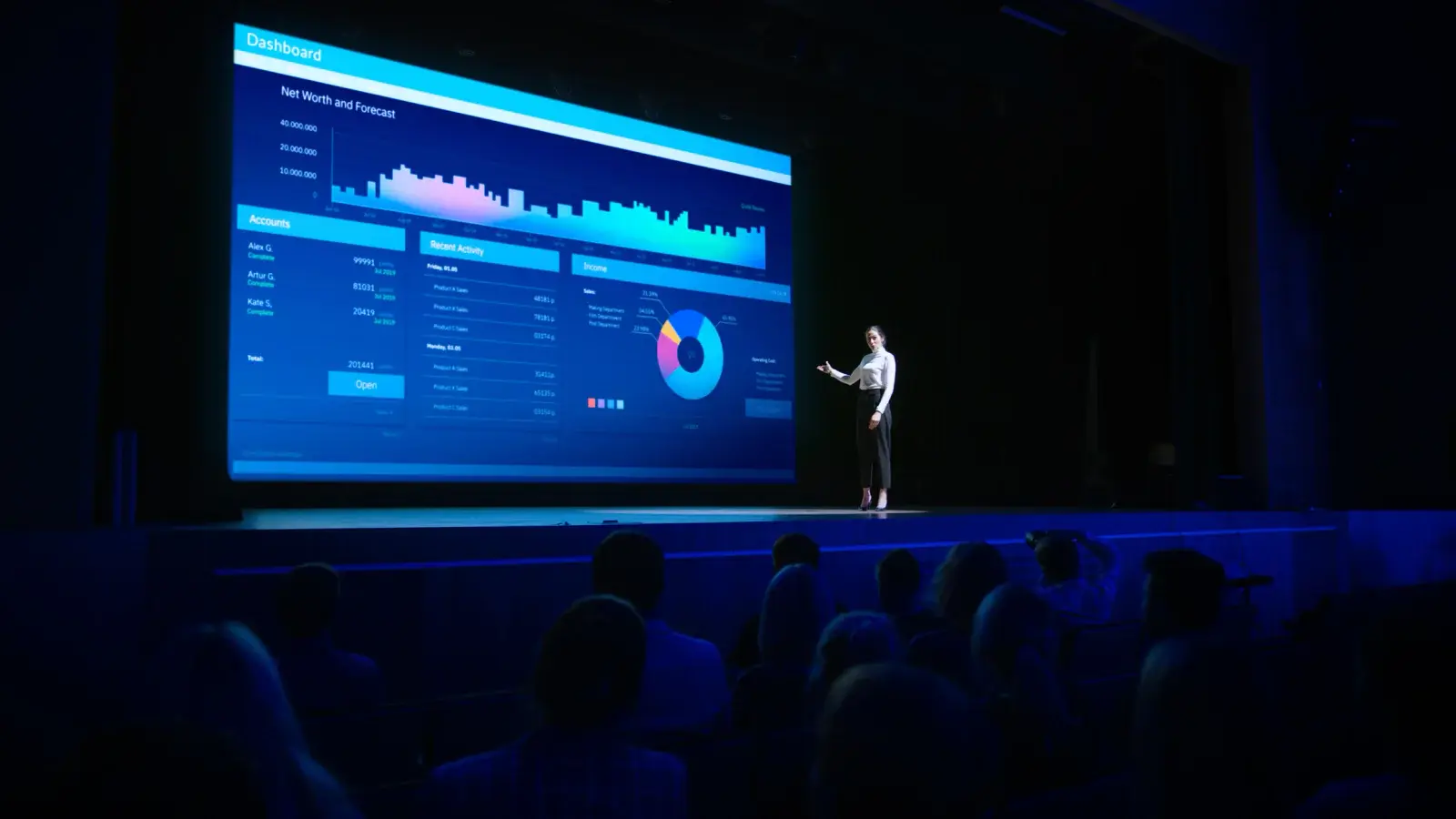
Companies rent projectors from RentOurProjectors.com for sales meetings, all-hands and town halls, kickoffs, offsites, training classes, and client events at offices, hotels, and conference centers. We size the projector, screen, and sound to the room, deliver or ship to one location or many, and can schedule a technician to set up and run the show.
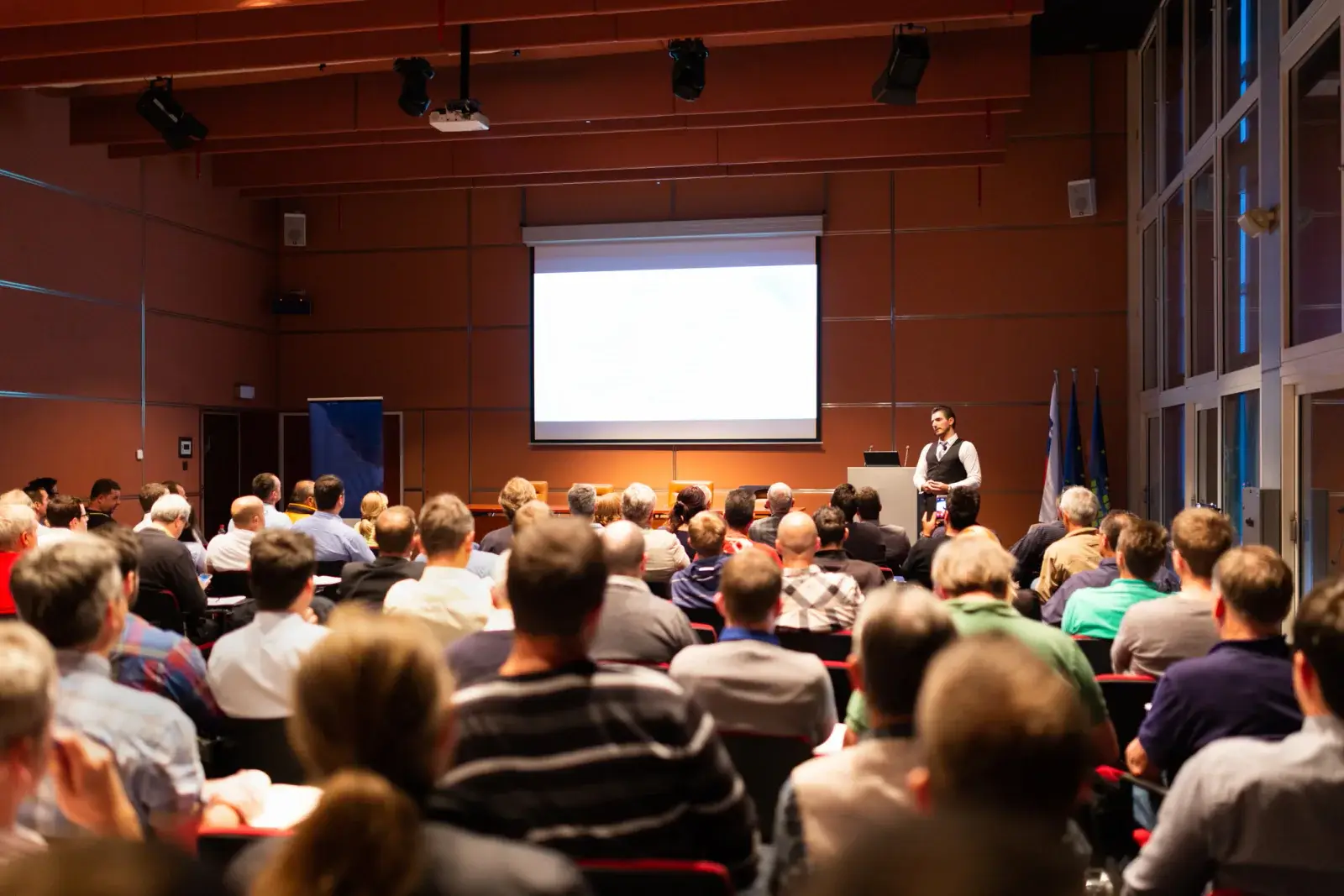
Most offices have a display or two that work fine for a weekly team meeting. The trouble starts when the whole region flies in for a kickoff, the leadership team books a hotel ballroom for an all-hands, or a training program needs six identical rooms for a week. In-house equipment rarely has the brightness, screen size, or quantity those events require.
Renting fills that gap for the length of the event. A single order can cover a bright main-stage projector with a fast-fold screen, matching setups for breakout rooms, wireless microphones for the Q&A, and the adapters every presenter's laptop needs.
Because hotel in-house AV can be costly or limited in what it offers, many planners bring their own rented equipment instead. Ask the venue about outside AV policies, then let us know what they allow so the order fits the rules of the property.
| Executive or breakout room (up to 20) | 3,000 to 4,000 lumens, 6 to 8 ft tripod screen |
|---|---|
| Sales or team meeting (20 to 75) | 4,000 to 6,000 lumens, 7.5 x 13 ft fast-fold screen |
| Kickoff or all-hands (75 to 200) | 6,000 to 10,000 lumens, 9 x 16 ft fast-fold screen |
| Ballroom general session (200+) | 10,000 to 20,000+ lumens, 10.5 x 18 ft screen or larger |
| Common resolutions | WUXGA 1920x1200 or 1080p for 16:10 and 16:9 decks |
General guidance. Your quote confirms the exact equipment for your room, audience, and dates. Try the projector calculator for your own numbers.
Why it works
Projectors are matched to the audience and room light, so charts stay readable even when the house lights stay partly up for note taking.
Identical breakout setups mean presenters get the same inputs, remotes, and screen shape in every session.
Itemized quotes, net terms for business customers, a W-9, and certificates of insurance for the venue. Purchase orders are accepted in many cases.
Local delivery and setup by a technician in many areas, or shipping to the hotel with a prepaid return label.
Planning guide
Start with the room, not the projector. Send the venue name, room dimensions or capacity, seating style, and whether the windows can be covered. A theater-style room for 150 people needs a much larger image and brighter projector than a classroom-style room of the same size, because the back rows sit farther from the screen.
Next, list what will be shown and who is presenting. Slide decks with small text and spreadsheets need a bigger screen than video. If several executives will present back to back, a small switcher lets each laptop stay connected so there is no cable swapping on stage, and a confidence monitor lets speakers see their slides without turning around.
Finally, decide how hands-on your team wants to be. For a single meeting room, shipped equipment with a simple setup is usually enough. For a kickoff or all-hands with video, live microphones, and remote presenters, scheduling an on-site technician frees your event team to focus on the agenda.
Availability and exact models vary. Your quote confirms the equipment, accessories, and delivery plan for your dates. Want to go deeper first? Read our projector planning guides or the projector rental FAQ.
Many hotels allow outside AV, though some charge a fee or require a certificate of insurance. Check the venue contract, then tell us the property's requirements and we can provide the insurance certificate and coordinate delivery with the hotel.
Plan a bright projector and large screen for the room, a microphone for each speaker and for audience questions, and a laptop running the meeting platform connected to the projector and sound system. Tell us the platform and audience size so the audio connections can be planned.
Yes. A switcher with enough inputs for each presenter, plus HDMI and USB-C adapters, lets reps plug in at a presenter table and switch between them without unplugging. Share the presenter count and laptop types in your quote request.
Yes. Portable projectors, tripod screens, and powered speakers ship well to retreat venues. Include the property address, the meeting room size, and whether the room has blackout shades so we can size the brightness correctly.
Compare projector options
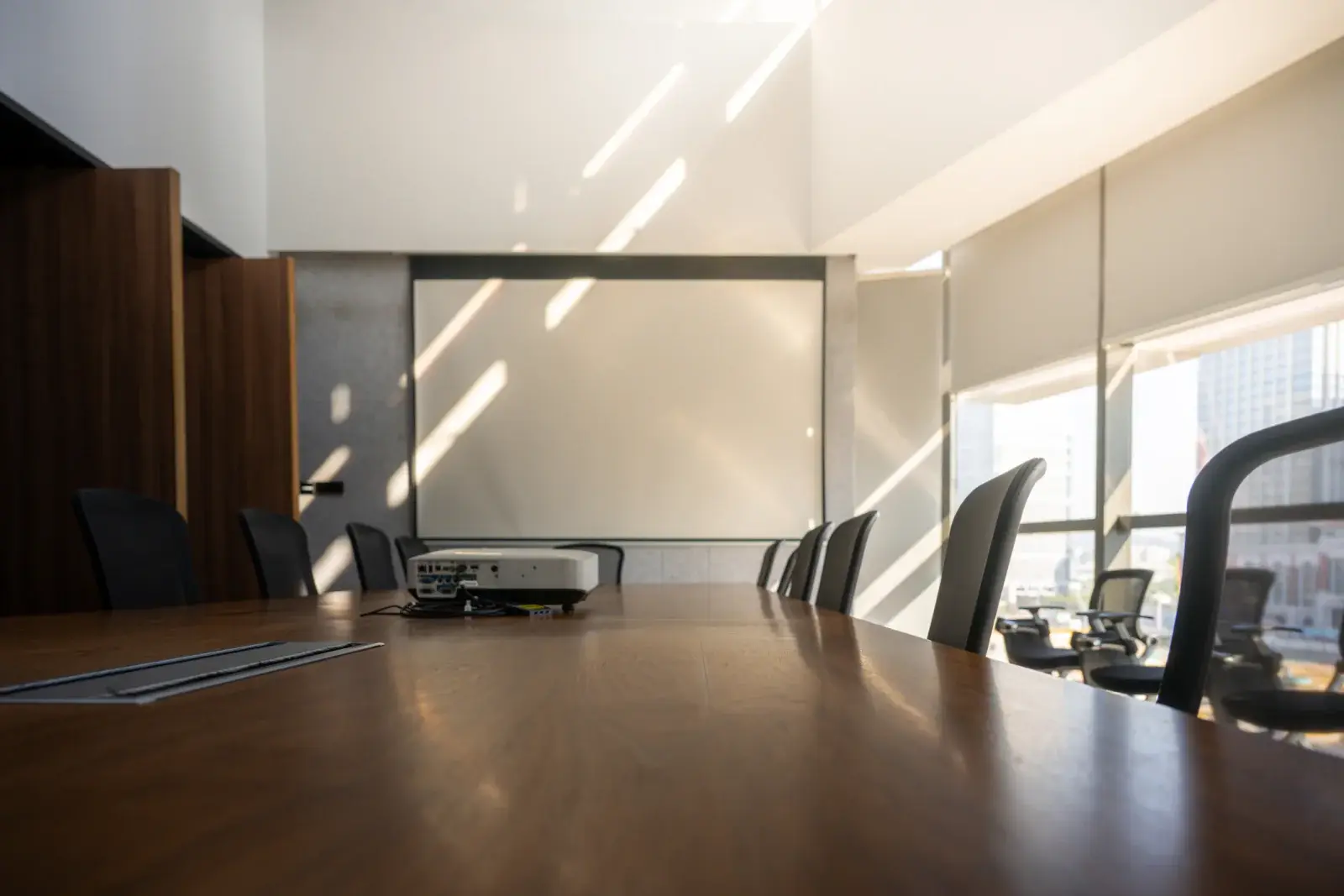
LCD and DLP projectors in the 3,000 to 6,000 lumen range for conference rooms, training rooms, offices, and small events.
View rentals →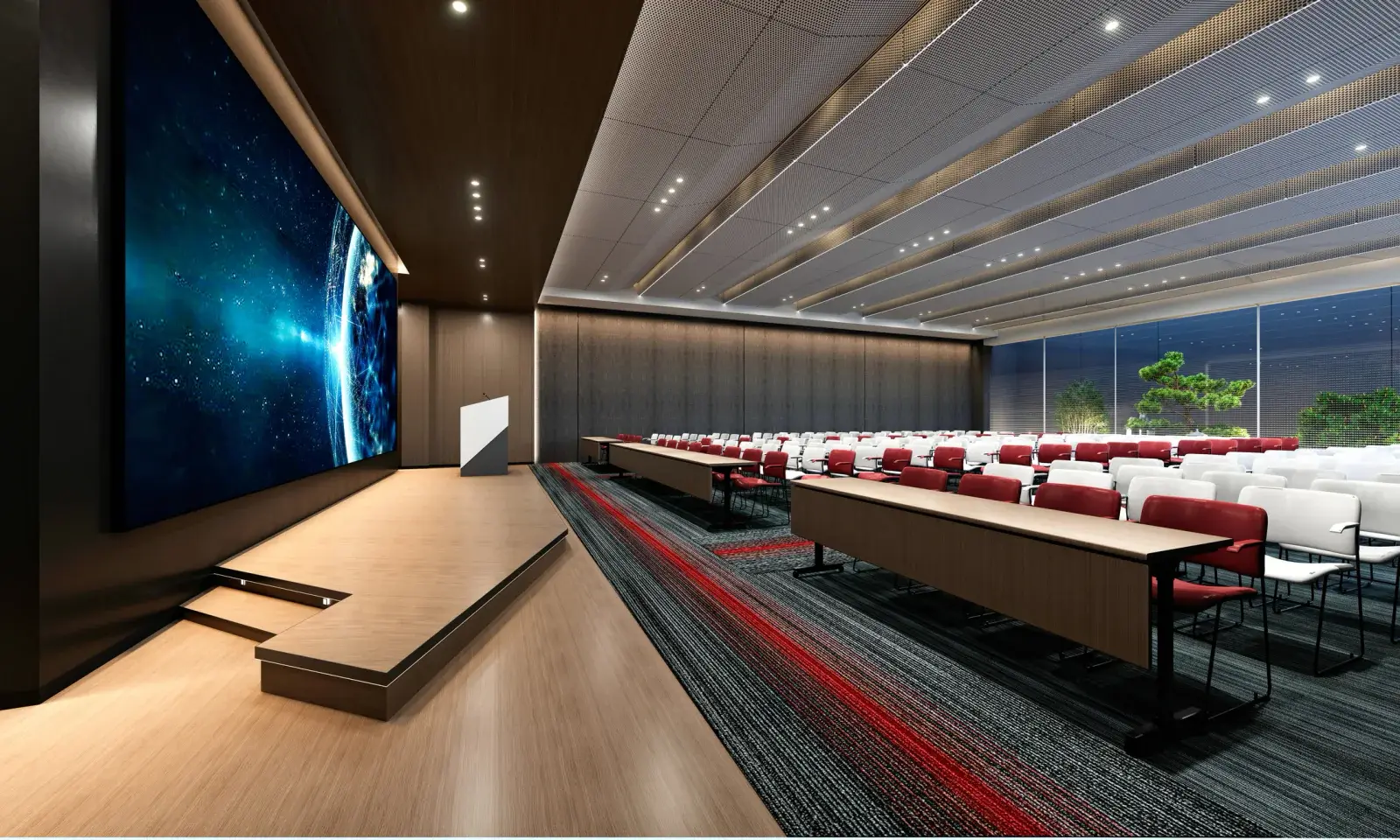
High-brightness and laser projectors with interchangeable lenses for ballrooms, auditoriums, churches, general sessions, and concerts.
View rentals →
Complete projector packages with a screen, cables, and stand, plus optional sound, microphone, and laptop, sized to your audience.
View rentals →Free, no-obligation quote
Tell us the occasion, audience size, location, and date. We will recommend the right projector, screen, and sound, and send a quote built around your event.