Sound checks
Microphones and speakers tested at real volume in the room, with feedback addressed before guests arrive.
Event AV support
A technician who sets up the projector, screen, and sound, runs the show, and handles problems while your event is live.
At a glance
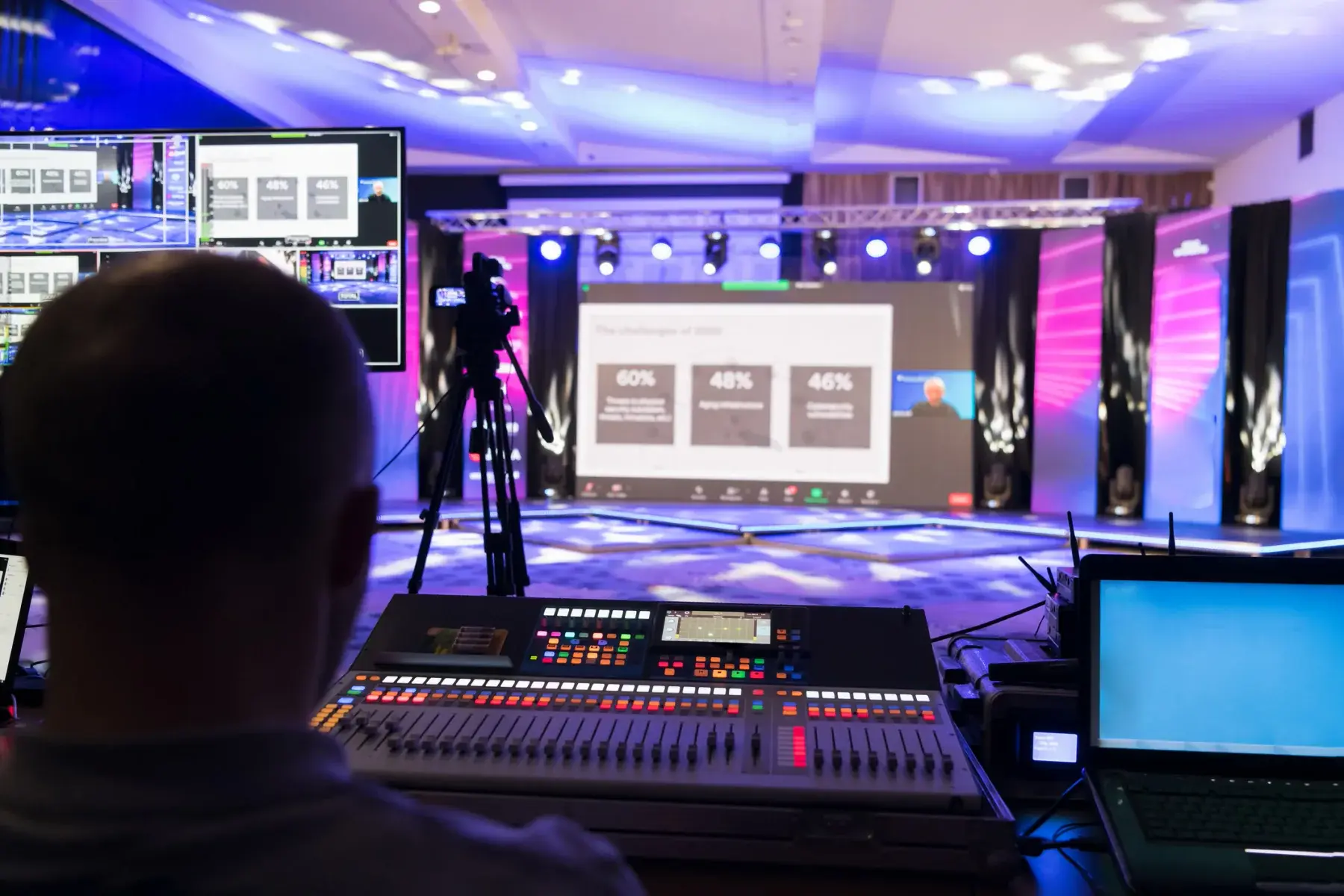
RentOurProjectors.com can schedule an on-site AV technician to set up your projector, screen, and audio, run them during the event, and tear everything down afterward. A technician is worth adding when you have multiple presenters, live microphones, video playback, or a program where a delay in front of the audience would be a real problem.
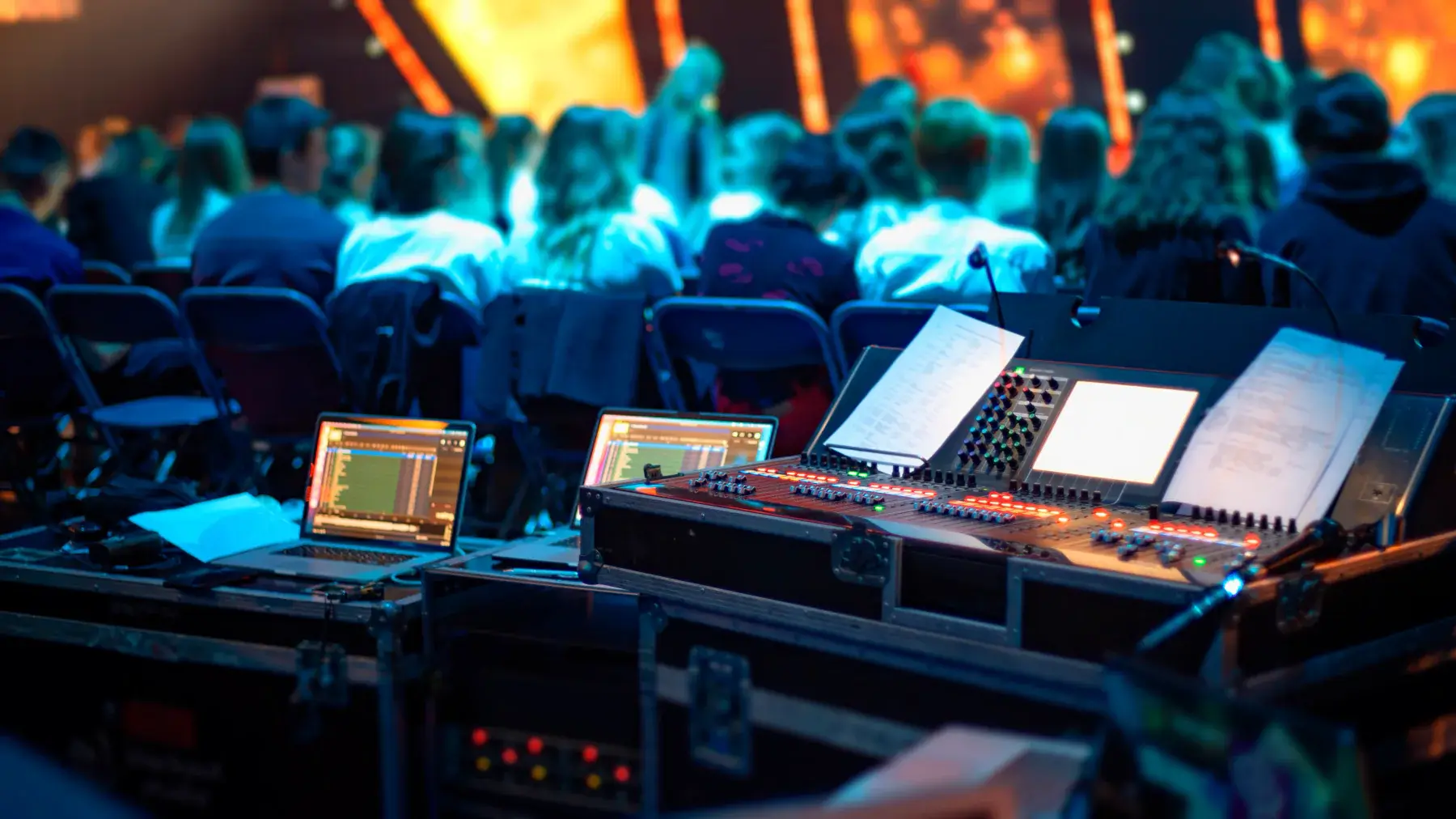
At most events, the person running the projector is also greeting guests, managing the agenda, or presenting. An on-site technician takes that job off your plate and stays focused on what the audience sees and hears.
The technician arrives before doors open, sets up and tests the equipment, runs sound checks with your speakers, and stays through the program to switch laptops, cue videos, adjust microphone levels, and solve problems quietly. At the end, they pack up and remove the equipment.
| Before the event | Setup, focus, sound check, presenter rehearsal |
|---|---|
| During the event | Source switching, mic levels, video cues, troubleshooting |
| After the event | Teardown, packing, and removal |
| Scheduling | Booked by time block around your agenda |
| Availability | Varies by location and date; confirmed in your quote |
General guidance. Your quote confirms the exact equipment for your room, audience, and dates. Try the projector calculator for your own numbers.
Why it works
Microphones and speakers tested at real volume in the room, with feedback addressed before guests arrive.
Smooth switches between laptops, phones, and video so there is no dead air between speakers.
A walk-through with presenters to confirm slides, clickers, videos, and audio cues.
A no-signal screen, a dead mic battery, or a resolution mismatch fixed on the spot.
Planning guide
Send the run of show ahead of time: start time, speaker order, which presenters bring their own laptops, and any videos that need audio. The technician uses it to plan inputs and decide where the switcher and audio gear should sit.
Ask presenters to send slides early or arrive during the rehearsal window. Most problems at events come from untested laptops, unfamiliar adapters, or last-minute files, and a short rehearsal catches nearly all of them.
If your event is short and simple (one presenter, one laptop, no microphones), setup-only delivery is often enough. We can help you decide which level of support fits when you request a quote.
Availability and exact models vary. Your quote confirms the equipment, accessories, and delivery plan for your dates. Want to go deeper first? Read our projector planning guides or the projector rental FAQ.
Yes. Technicians can be scheduled for setup only, or for setup, the full program, and teardown. Share your agenda and we will quote the time needed.
Yes. The technician sets up speakers and microphones, runs a sound check in the room, and adjusts levels during speeches and panels.
Usually not. For one presenter with one laptop in a small room, delivery and setup is often enough. A technician makes more sense with multiple presenters, live audio, or a large audience.
Yes, if the rehearsal time is part of the schedule. Plan a window before doors open so presenters can test slides, clickers, and microphones with the technician.
Compare projector options
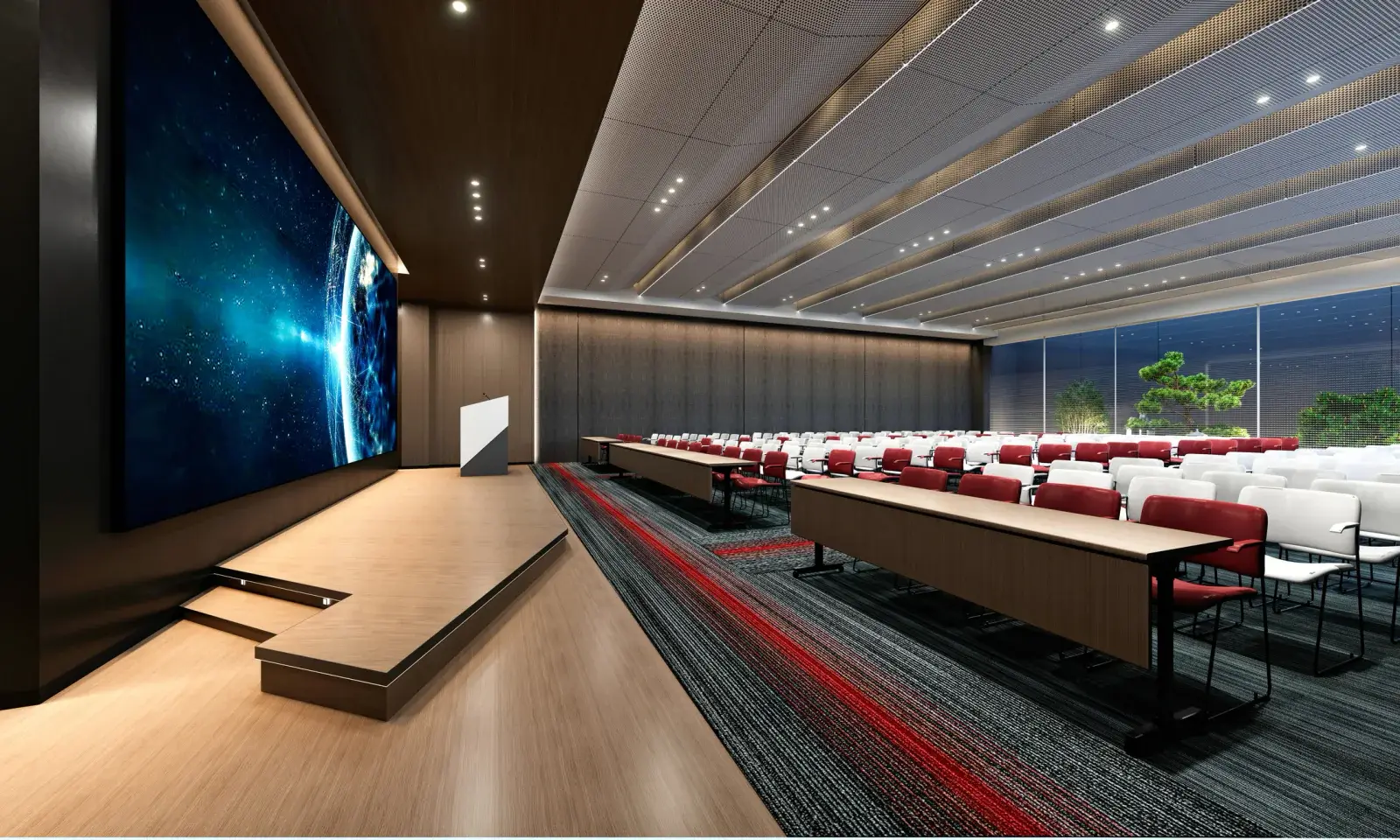
High-brightness and laser projectors with interchangeable lenses for ballrooms, auditoriums, churches, general sessions, and concerts.
View rentals →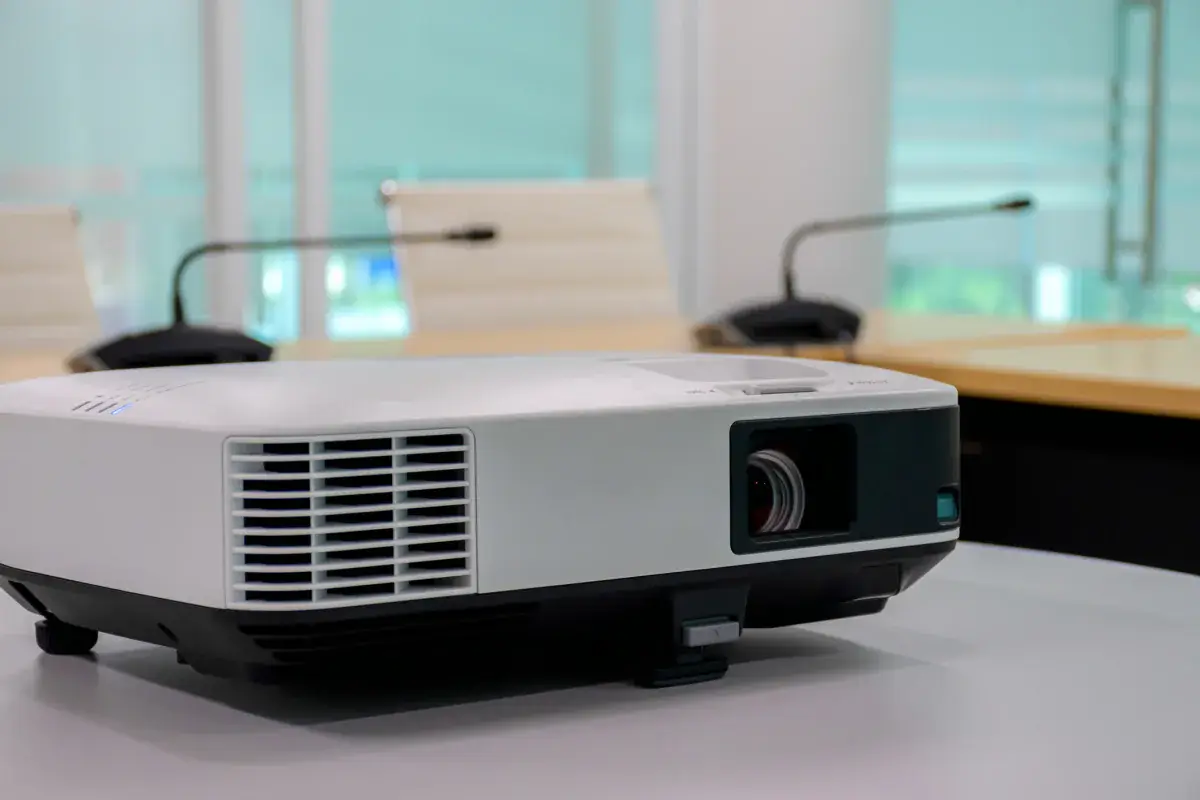
Complete projector packages with a screen, cables, and stand, plus optional sound, microphone, and laptop, sized to your audience.
View rentals →
Tripod, fast-fold front and rear projection, and inflatable outdoor screens in a range of sizes, with dress kits and drapes available.
View rentals →Free, no-obligation quote
Tell us the occasion, audience size, location, and date. We will recommend the right projector, screen, and sound, and send a quote built around your event.