Sound
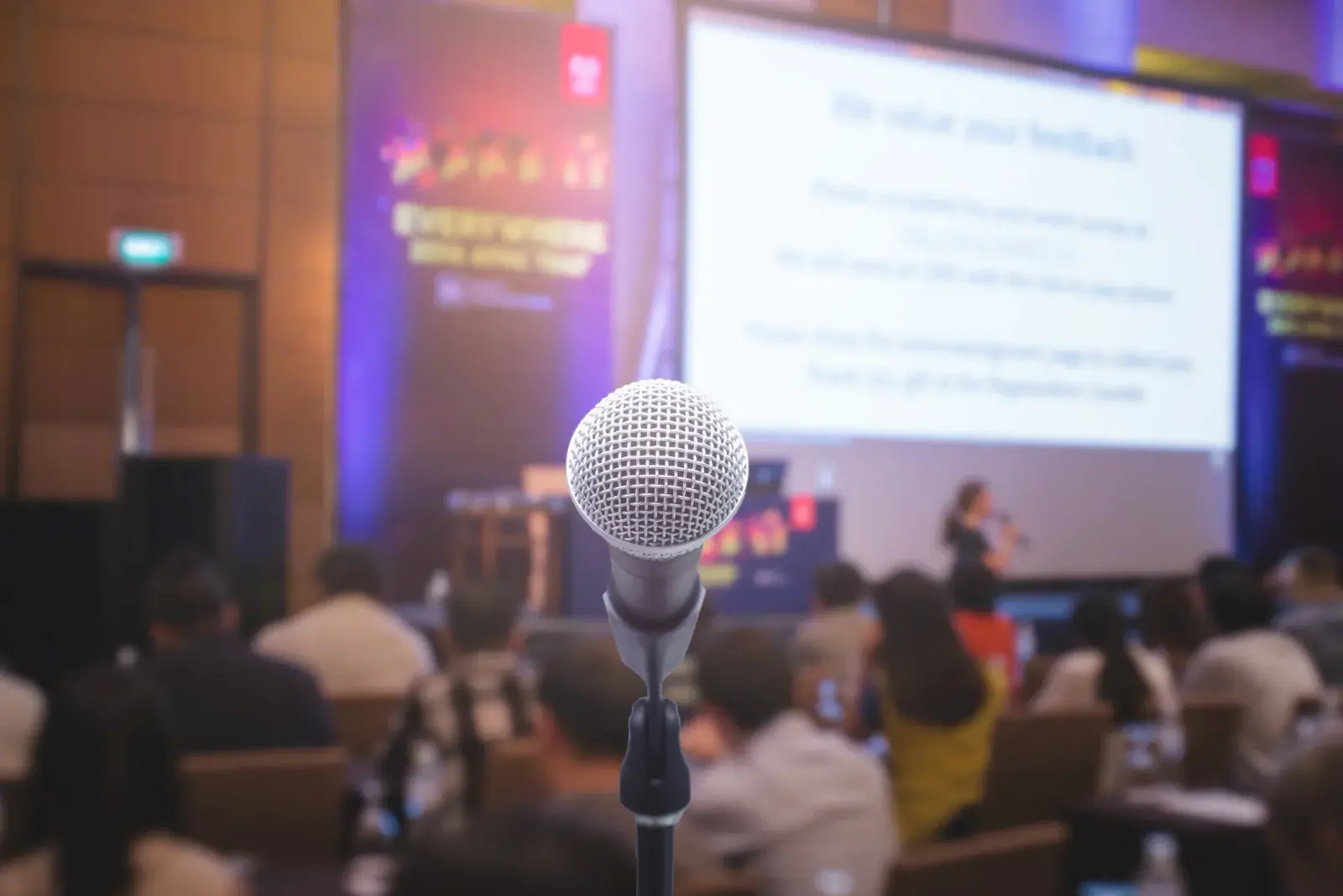
Powered speakers, wireless handheld and lavalier microphones, and small mixers for speeches and video audio.
Speakers, mics, cables, and more
Speakers, microphones, adapters, switchers, stands, and other add-ons that complete a projector setup.
At a glance
RentOurProjectors.com rents the audio and accessories that make a projector setup work, including powered speakers, wireless and lavalier microphones, HDMI cables and adapters, switchers, stands, and presentation remotes. Tell us what devices will connect and how many people need to hear, and we will build the add-ons into your quote.
A projector only shows the picture. Built-in projector speakers are rarely loud enough for more than a small room, laptops may not have the right port, and a cable that does not reach the lectern can stop a presentation before it starts.
Add-ons fill those gaps. Most customers need some combination of sound, a way to connect every device, a stable place to put the projector, and a remote so the presenter is not tied to the laptop.
We can recommend accessories based on your room, audience, and devices, so you do not have to guess which adapter a particular laptop or phone needs.
| Small room (up to ~30) | One or two powered speakers, laptop audio |
|---|---|
| Larger room or speeches | Powered speakers, small mixer, wireless mics |
| Laptop connections | HDMI plus USB-C or other adapters as needed |
| Multiple presenters | HDMI switcher at the lectern or tech table |
| Long cable runs | Extension cords and cable ramps across walkways |
General guidance. Your quote confirms the exact equipment for your room, audience, and dates. Try the projector calculator for your own numbers.
Why it works
Powered speakers, wireless handheld and lavalier microphones, and small mixers for speeches and video audio.
HDMI cables in useful lengths and adapters for USB-C laptops, older ports, and many phones and tablets.
Switchers to move between presenters and splitters to send one image to two projectors or a confidence monitor.
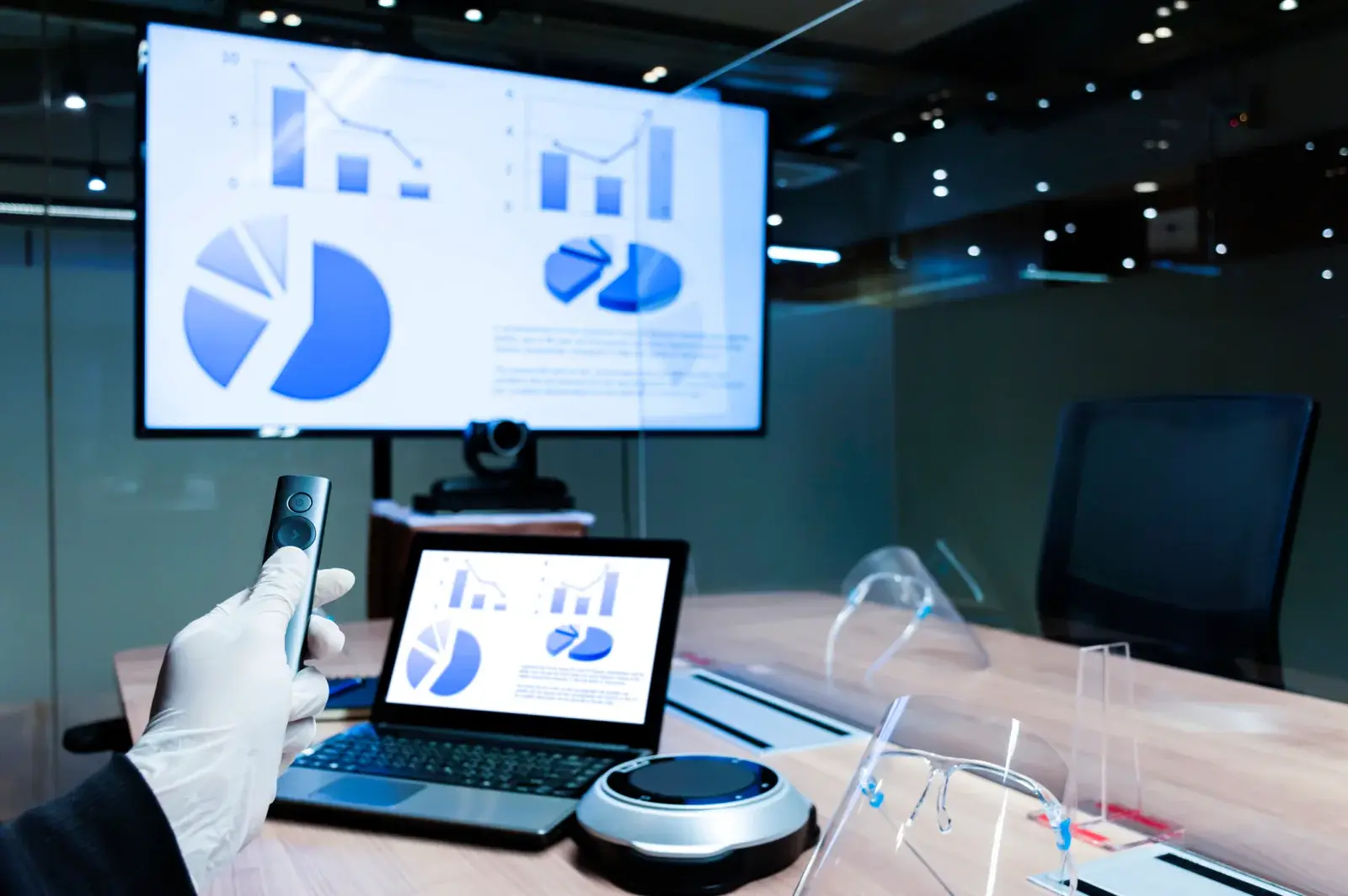
Projector stands and carts, presentation remotes, and confidence monitors so presenters can face the audience.
Planning guide
For sound, the size of the audience matters more than the size of the screen. A training video for 40 attendees or remarks at a banquet needs more than projector speakers. If anyone will speak without a laptop, plan on at least one wireless microphone, and use a lavalier for presenters who walk or use their hands.
For connections, list every device that will plug in. Many recent laptops only have USB-C, Macs vary by model, and phones need specific adapters. We can include the right adapters and an HDMI cable long enough to reach from the lectern to the projector.
If your event also needs computers, laptops for presenters, registration, or playback can be added through our sister site, RentOurLaptops.com, and coordinated with the same delivery.
Availability and exact models vary. Your quote confirms the equipment, accessories, and delivery plan for your dates. Want to go deeper first? Read our projector planning guides or the projector rental FAQ.
For most groups beyond a small meeting room, yes. Projector speakers are designed for close listening, so powered speakers are recommended for outdoor screenings, banquets, and any presentation with video audio.
Yes. Tell us the make and model of each device that will connect, and we will include adapters that match. Bring the device to setup so the connection can be tested.
It is a screen placed facing the presenter that shows the same image as the projector, or speaker notes. It lets the presenter keep eye contact with the audience instead of turning to read the screen.
Yes. An HDMI switcher lets each presenter stay plugged in while the image changes between sources, which keeps transitions short.
Yes. Laptops are available through our sister site, RentOurLaptops.com, and can be coordinated with your projector order so everything arrives together.
Compare projector options
Complete projector packages with a screen, cables, and stand, plus optional sound, microphone, and laptop, sized to your audience.
View rentals →
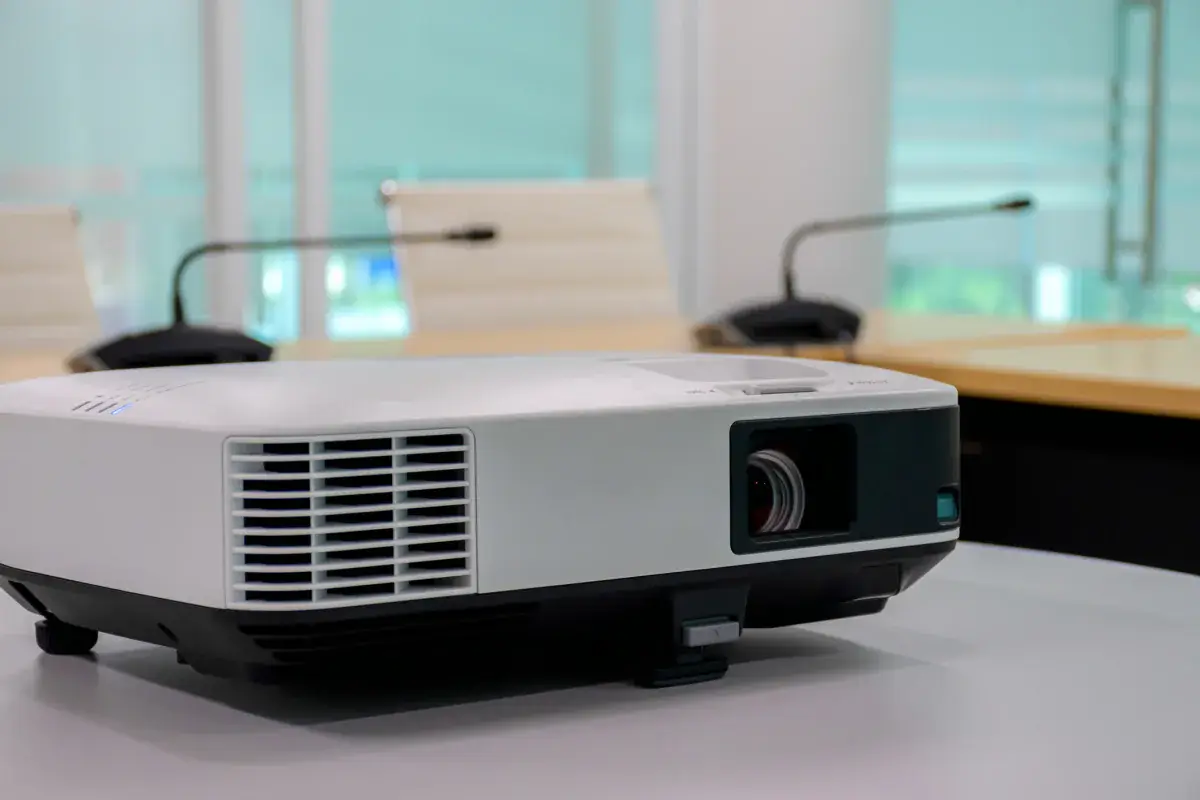
LCD and DLP projectors in the 3,000 to 6,000 lumen range for conference rooms, training rooms, offices, and small events.
View rentals →
Projectors with wireless screen sharing for multi-presenter meetings, BYOD sessions, classrooms, and collaborative workshops.
View rentals →Free, no-obligation quote
Tell us the occasion, audience size, location, and date. We will recommend the right projector, screen, and sound, and send a quote built around your event.