Legible exhibits
Sharp resolution and brightness for documents in lit rooms.
Trial, deposition, and arbitration rentals
Reliable projectors, screens, and switching for trial exhibits, depositions, arbitration, mediation, and jury focus groups.
At a glance
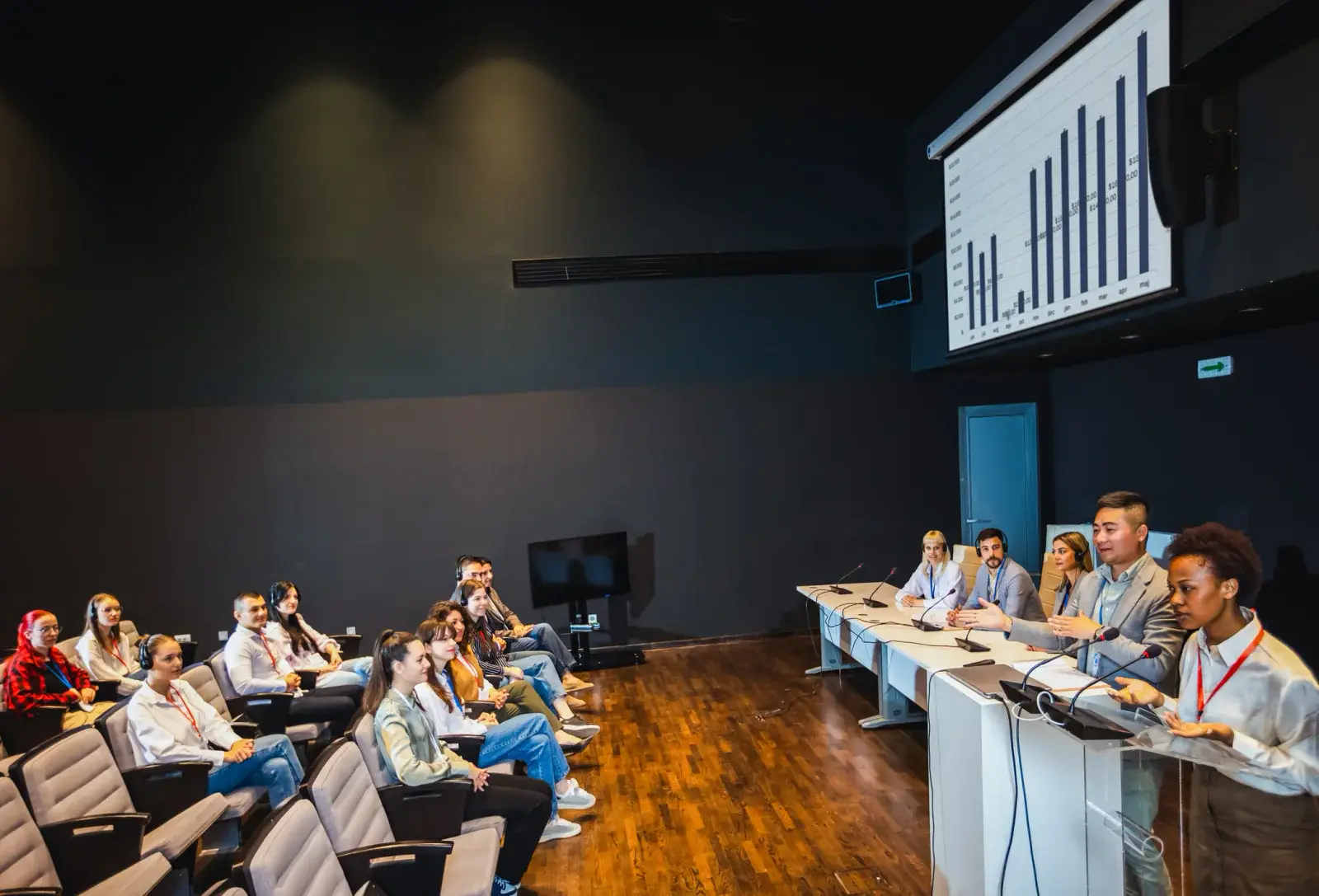
RentOurProjectors.com rents projectors, screens, and presentation equipment to law firms and litigation teams for courtroom evidence, trial exhibits, depositions, arbitration, and mediation. A typical courtroom setup uses a 5,000 to 7,000 lumen projector, a screen sized for the jury box, a switcher for multiple laptops, and backup equipment on hand.
In a courtroom or hearing room, a document that is hard to read can be a document that is hard to understand. Jurors, the judge, opposing counsel, and witnesses all need to see exhibits clearly from different angles, often in rooms with bright overhead lighting that cannot be dimmed.
That calls for a bright, sharp projector and a screen positioned so the jury and the bench both have a good line of sight. A WUXGA or 1080p projector keeps fine print, timelines, and highlighted text legible. An HDMI switcher lets trial presentation staff and counsel share the same screen without swapping cables in front of the jury.
Reliability matters more here than almost anywhere else. We plan setups with spare cables, adapters, and, when requested, a backup projector so a hardware issue is less likely to interrupt testimony. Equipment is set up quietly and neatly, with cables secured and out of walkways.
| Courtroom brightness | 5,000 to 7,000 lumens for lit courtrooms and hearing rooms |
|---|---|
| Resolution | WUXGA or 1080p for small text and detailed exhibits |
| Screen | Fast-fold or tripod sized and angled for the jury and bench |
| Switching | HDMI switcher for counsel and trial presentation laptops |
| Backups | Spare cables and adapters, optional backup projector |
General guidance. Your quote confirms the exact equipment for your room, audience, and dates. Try the projector calculator for your own numbers.
Why it works
Sharp resolution and brightness for documents in lit rooms.
Spare cables, adapters, and optional backup projectors.
Neat cable management and quiet installation around court schedules.
Several presenters can share one screen without cable swaps.
Planning guide
Courts set their own rules for outside equipment. Before trial, confirm with the judge's chambers or the clerk what is allowed, when equipment can be brought in, and whether it must be removed each evening. The customer is responsible for confirming what the court permits, and we will plan delivery and setup around the schedule court staff provide.
Walk the room if you can. Note where the jury box, bench, witness stand, and counsel tables sit, where outlets are, and how the lights are controlled. Many courtrooms cannot be dimmed, so plan brightness for full room light. Position the screen so it is visible to jurors and the bench, and consider a small display at the witness stand or counsel tables if the court allows.
For a quote, share the court or venue address, trial or hearing dates, the room layout or photos, how many laptops will connect, whether you need a backup projector, and whether you want a technician available during proceedings. For depositions and mediations in conference rooms, include the room size and number of participants, plus any billing or matter reference your firm uses for vendor invoices.
Availability and exact models vary. Your quote confirms the equipment, accessories, and delivery plan for your dates. Want to go deeper first? Read our projector planning guides or the projector rental FAQ.
Yes, subject to the court's rules. Confirm with court staff what equipment is allowed and when it can be brought in, then share those details so we can schedule delivery and setup accordingly.
We can include spare cables, spare adapters, and a backup projector on request. Testing the full setup with your trial presentation laptops before proceedings begin is also strongly recommended.
Courtrooms with full overhead light usually need around 5,000 to 7,000 lumens, sometimes more for large rooms or bigger screens. We size the projector to the room in the quote.
Yes. An HDMI switcher lets multiple laptops connect to one projector so presenters can change sources without unplugging cables in front of the jury.
Yes. Mock trial rooms and focus group facilities often use the same setups as a courtroom, sometimes with extra displays for observers.
Compare projector options
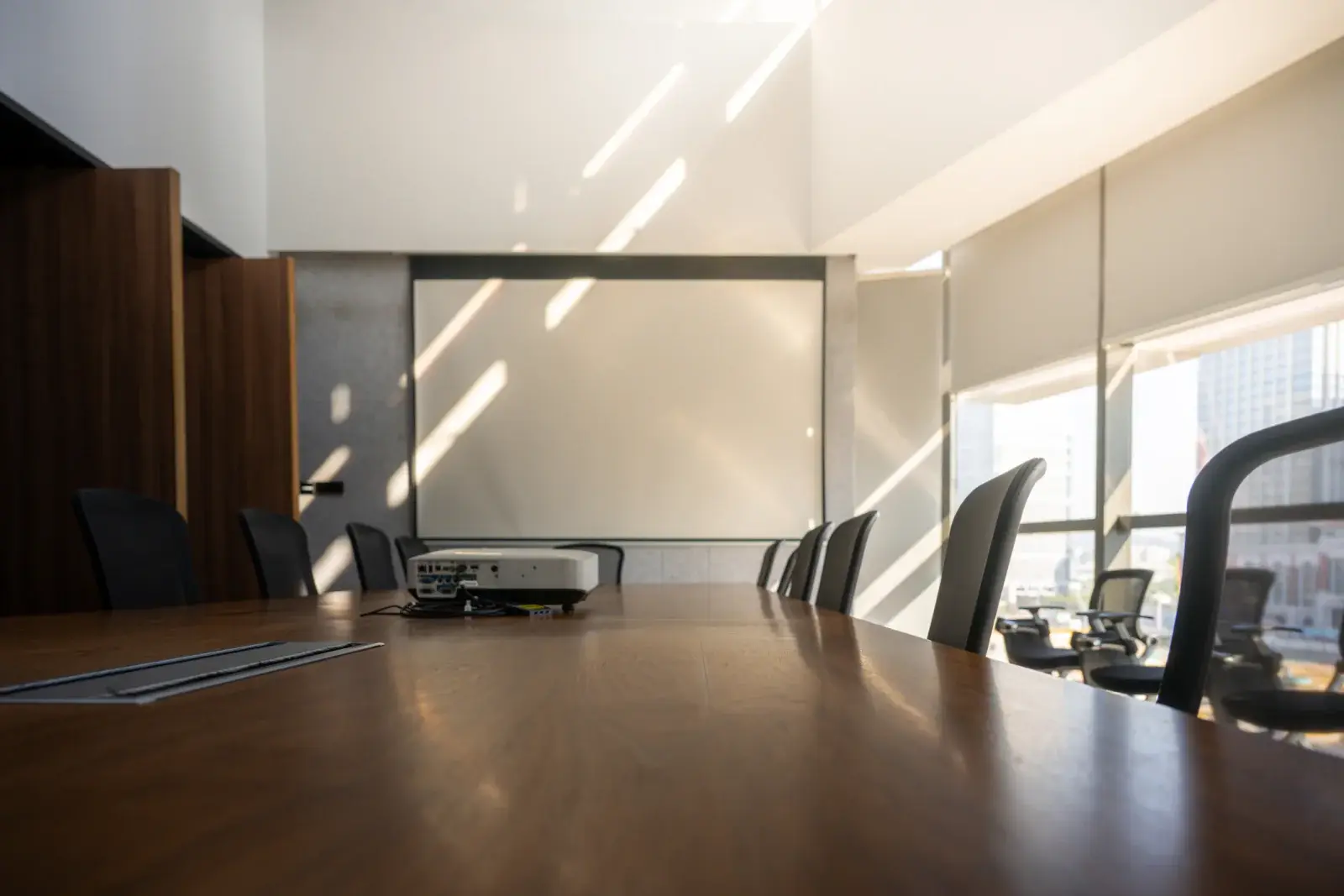
LCD and DLP projectors in the 3,000 to 6,000 lumen range for conference rooms, training rooms, offices, and small events.
View rentals →
Tripod, fast-fold front and rear projection, and inflatable outdoor screens in a range of sizes, with dress kits and drapes available.
View rentals →
Complete projector packages with a screen, cables, and stand, plus optional sound, microphone, and laptop, sized to your audience.
View rentals →Free, no-obligation quote
Tell us the occasion, audience size, location, and date. We will recommend the right projector, screen, and sound, and send a quote built around your event.