Device compatibility checked
Tell us whether presenters use Windows, Mac, iPad, Android, or Chromebook and we will plan a method that suits them all.
Share a screen without passing a cable
Projectors with wireless screen sharing for multi-presenter meetings, BYOD sessions, classrooms, and collaborative workshops.
At a glance
RentOurProjectors.com rents wireless projectors that let presenters share a laptop, tablet, or phone screen without plugging in a cable. They make switching between speakers faster in meetings and classrooms where everyone brings their own device. Tell us the devices people will use and the network situation at your venue, and we will recommend a setup with a wired backup.

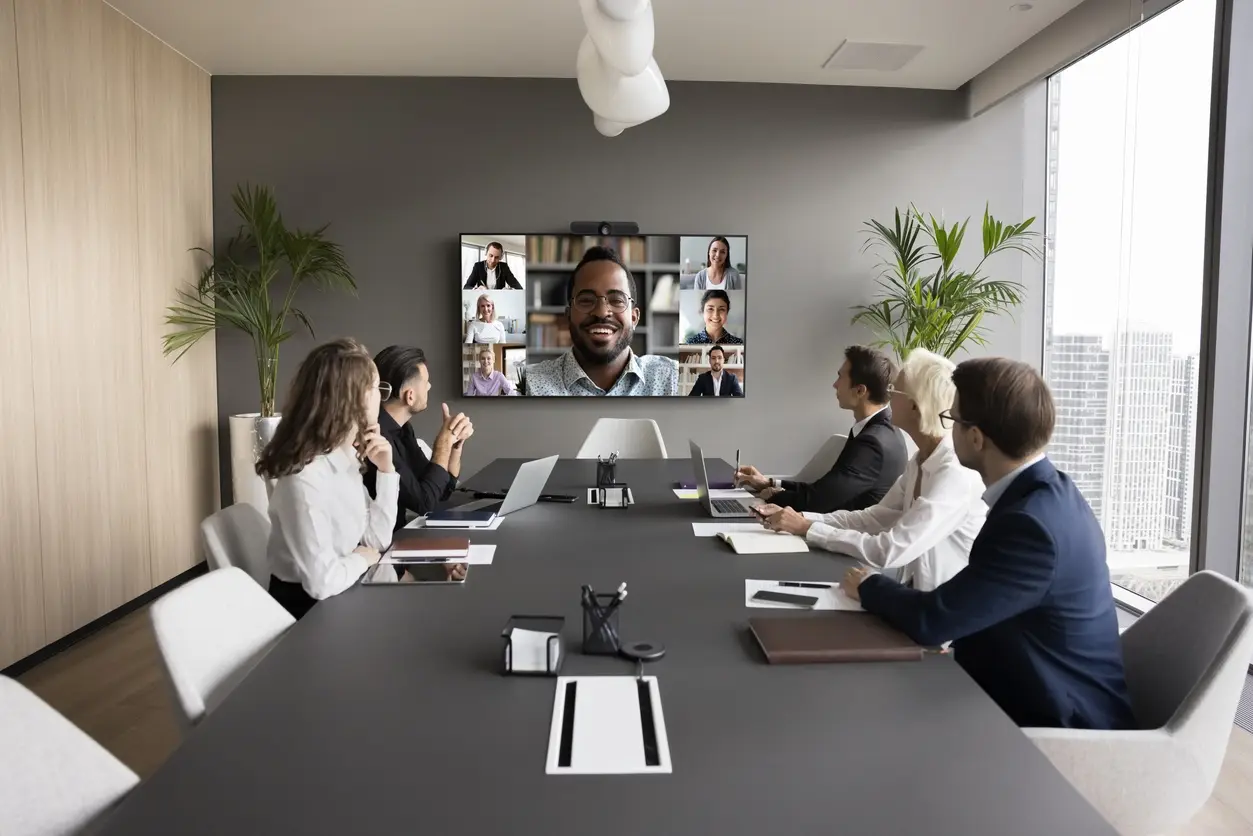
In a meeting where five people each have a few slides, passing an HDMI cable around the table eats time and invites adapter problems. A wireless projector lets each presenter connect from their own device with a screen mirroring app, a built-in casting feature, or a small plug-in transmitter. When one person finishes, the next one connects and the meeting keeps moving.
Wireless sharing is especially useful in bring-your-own-device settings: workshops where participants show their work, classrooms where students present from tablets, and board meetings where executives present from their own laptops. Some systems let a moderator choose which screen is shown or display more than one at once.
Wireless is convenient, but it is not perfect. Fast-moving video can lag slightly, and crowded or restricted Wi-Fi networks can interfere. That is why we recommend keeping a wired HDMI connection available at the lectern for the keynote, the video clip, or the moment the network misbehaves.
| Typical brightness | 3,000 to 6,000 ANSI lumens |
|---|---|
| Best audience size | About 5 to 75 people |
| Connection methods | Screen mirroring, casting, or plug-in wireless transmitters |
| Wired backup | HDMI input recommended at the presenter position |
| Resolution | Commonly 1080p or WUXGA |
| Setup time | About 20 to 45 minutes, including device testing |
| Power | One standard grounded outlet |
General guidance. Your quote confirms the exact equipment for your room, audience, and dates. Try the projector calculator for your own numbers.
Why it works
Tell us whether presenters use Windows, Mac, iPad, Android, or Chromebook and we will plan a method that suits them all.
Some wireless setups create their own direct connection, so they do not depend on the venue Wi-Fi.
An HDMI cable at the lectern covers video playback, guest presenters, and any connection trouble.
Speakers connect in seconds, which keeps agendas with many short presentations on schedule.
Planning guide
Ask the venue about its network early. Hotel and corporate guest networks sometimes block the device discovery that screen mirroring depends on, or isolate each device so they cannot see one another. A wireless system that creates its own direct connection, or a plug-in transmitter, avoids those issues. Let us know if your organization's IT team has security rules for connecting to outside equipment.
Test with the actual devices. A quick connection test from each presenter's laptop or tablet before the session starts catches missing apps, software permissions, and display settings. Schedule this into your setup time, especially for executive meetings where the first impression matters.
Keep video expectations realistic. Slides, documents, and websites look great over wireless. Full-motion video with sound, live demos, and anything timed to music are more reliable over a wired HDMI connection. Plan the agenda so those moments run from the lectern laptop on a cable.
Availability and exact models vary. Your quote confirms the equipment, accessories, and delivery plan for your dates. Want to go deeper first? Read our projector planning guides or the projector rental FAQ.
Not always. Some connect through the venue network, while others create their own direct link or use a plug-in transmitter. If the venue network is restricted or crowded, a direct connection is usually more dependable.
Often yes, but different devices use different sharing methods. Tell us the mix of devices your presenters will bring so we can plan a method that works for each of them.
There can be a slight lag, which is barely noticeable for slides but can show up in fast video or audio sync. For video clips, connect with an HDMI cable.
A wired connection is the dependable fallback for guest presenters with unfamiliar devices, video playback, and any moment the wireless link drops. Having one ready adds almost nothing to setup time.
Compare projector options
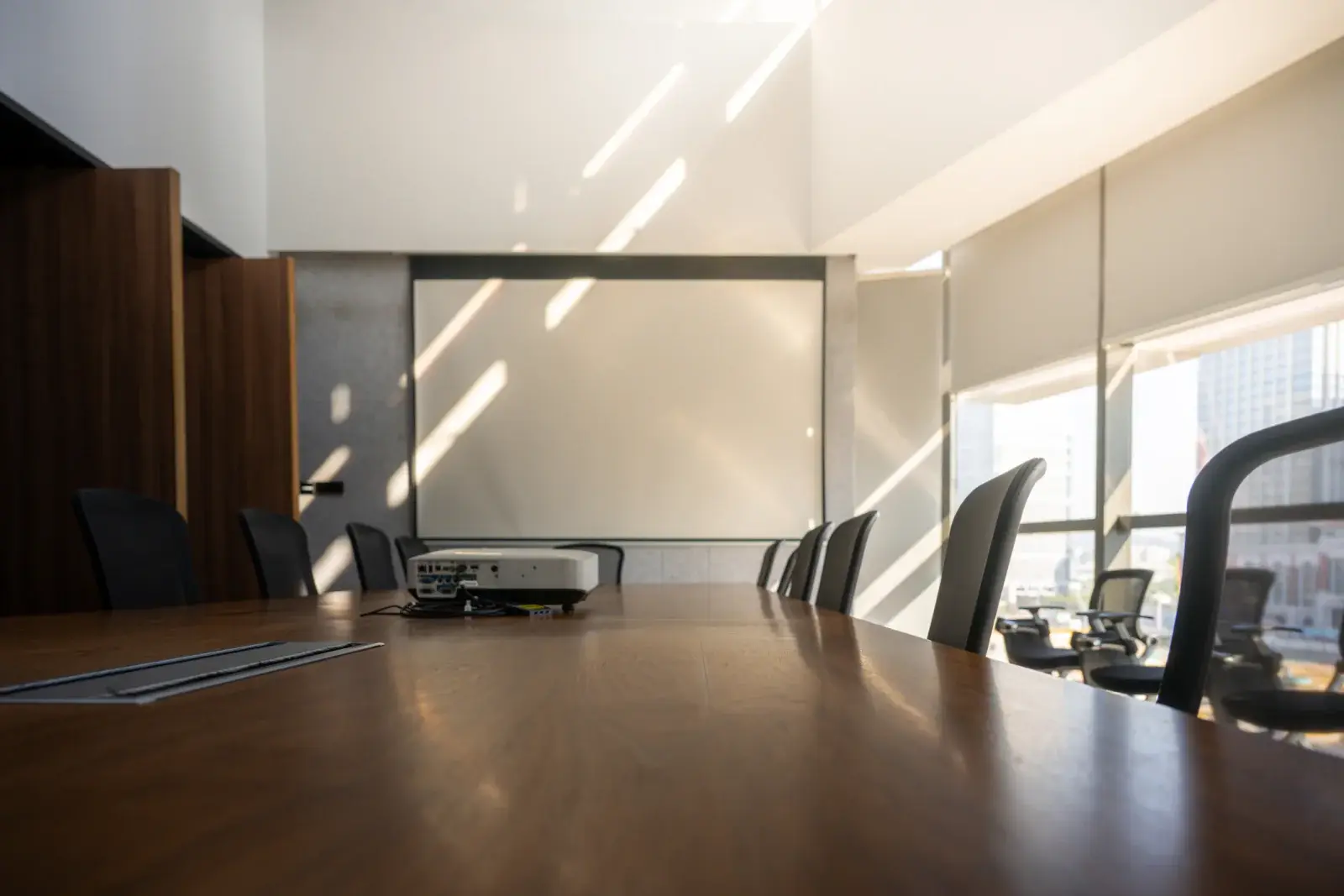
LCD and DLP projectors in the 3,000 to 6,000 lumen range for conference rooms, training rooms, offices, and small events.
View rentals →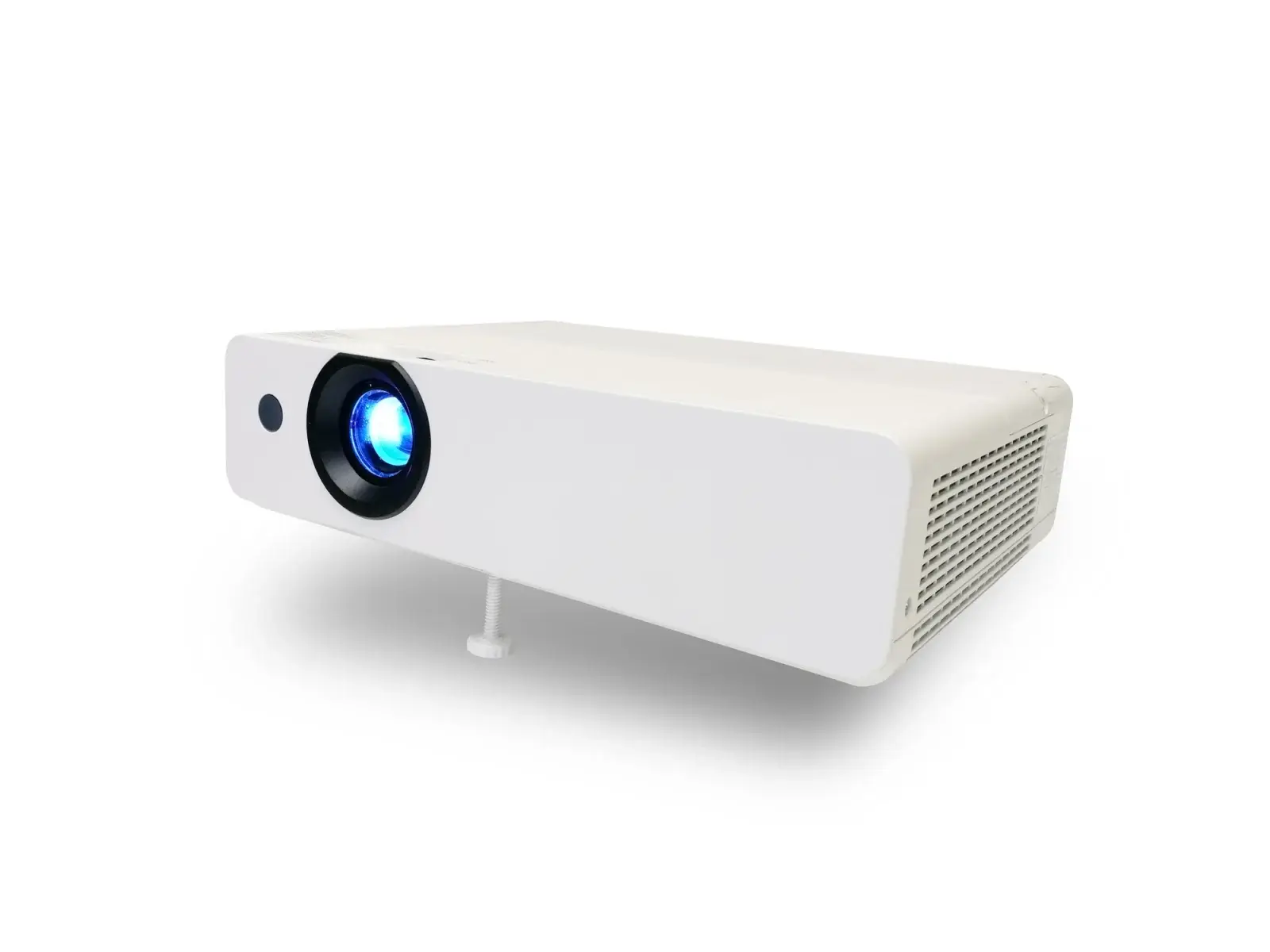
Compact and mini projectors for sales calls, traveling trainers, small team meetings, and pop-up sessions where portability matters most.
View rentals →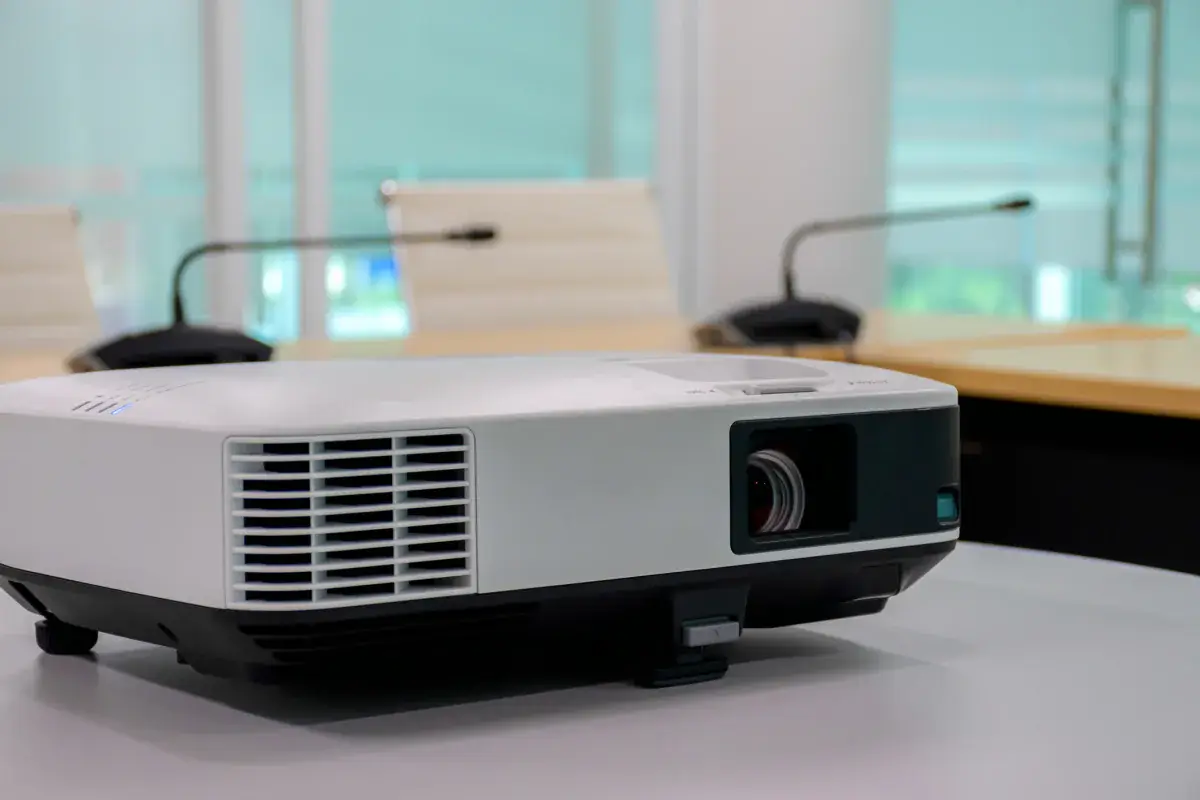
Complete projector packages with a screen, cables, and stand, plus optional sound, microphone, and laptop, sized to your audience.
View rentals →Free, no-obligation quote
Tell us the occasion, audience size, location, and date. We will recommend the right projector, screen, and sound, and send a quote built around your event.