Resolution matched to content
We help you decide whether 1080p, WUXGA, or 4K UHD is worth it for what you are actually showing.
Fine detail, sharp text, and cinematic video
1080p, WUXGA, and 4K UHD projectors for detailed graphics, design and engineering reviews, medical content, video, and film screenings.
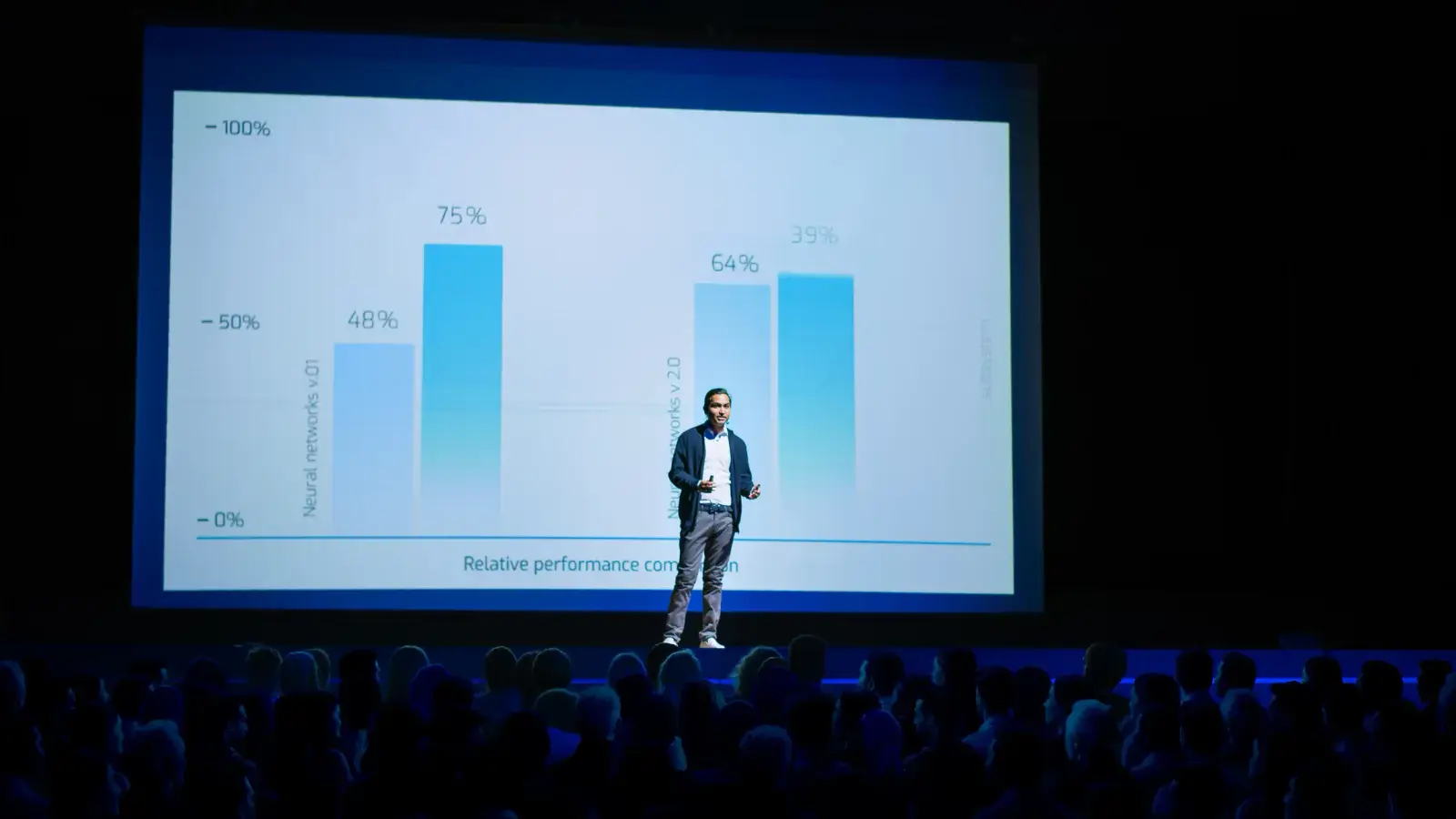
At a glance
RentOurProjectors.com rents HD 1080p, WUXGA, and 4K UHD projectors when fine detail matters, such as engineering drawings, medical imaging, design reviews, and film screenings. The right choice depends on your source content, screen size, and how close viewers will sit. Tell us what you are showing and from what device, and we will match the resolution, brightness, and cables.
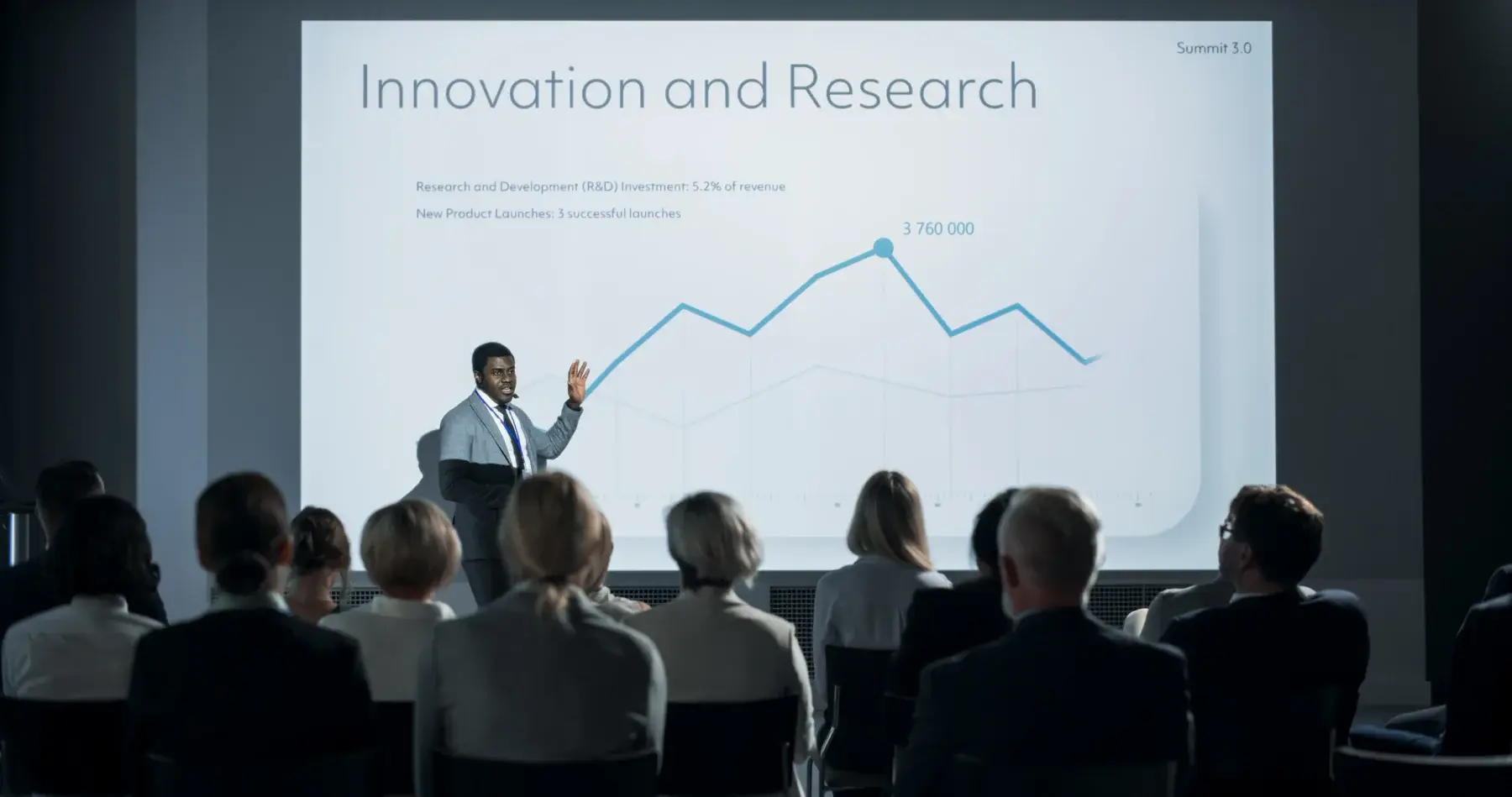
Resolution is the number of pixels a projector can display. WXGA (1280x800) is fine for simple slides, but spreadsheets, schematics, and small type quickly turn soft. Full HD 1080p (1920x1080) is the common standard for video and widescreen presentations. WUXGA (1920x1200) adds extra vertical pixels in a 16:10 shape that matches many laptop screens, which is useful for software demos and documents. 4K UHD (3840x2160) offers four times the pixels of 1080p for the finest detail.
Higher resolution matters most when viewers sit close to a large screen or when content has fine lines and small text. A 4K projector lets an engineer at the front table read dimension callouts on a drawing, a surgeon in a teaching session see detail in an image, and a film audience enjoy a sharp picture on a big screen. For a 10-person meeting viewing basic slides, the difference is small.
The source matters just as much as the projector. A 4K image only looks like 4K when the laptop, media player, or camera sends a 4K signal over a cable rated for it. We plan the whole signal path so the detail you are paying attention to actually reaches the screen.
| Resolution | 1080p (1920x1080), WUXGA (1920x1200), or 4K UHD (3840x2160) |
|---|---|
| Typical brightness | About 4,000 to 15,000+ ANSI lumens depending on venue |
| Best audience size | Small review rooms to large screening halls |
| Aspect ratio | 16:9 or 16:10 |
| Common screen sizes | 8 to 18 feet wide |
| Connections | HDMI, with high-speed cables for 4K signals |
| Power | Standard grounded outlet; dedicated circuit for high-output models |
General guidance. Your quote confirms the exact equipment for your room, audience, and dates. Try the projector calculator for your own numbers.
Why it works
We help you decide whether 1080p, WUXGA, or 4K UHD is worth it for what you are actually showing.
High-speed HDMI cables, extenders, and adapters are chosen so the source resolution survives to the screen.
Pair a 16:9 or 16:10 projector with a screen of the same shape to avoid wasted space or black bars.
Fine detail disappears in a dim image, so brightness is sized to the screen and room along with resolution.
Planning guide
Start with your source. If the presentation laptop outputs 1920x1200, a WUXGA projector shows it pixel for pixel without scaling. If you are playing a 4K film file or a 4K camera feed, a 4K UHD projector is the way to see that detail. Many presentations are built at 1080p, and a native 1080p projector shows them cleanly. Telling us the device, software, and file format is the most useful thing you can do.
Next, look at viewing distance. Using the 4-6-8 rule, detailed inspection work wants the closest seats within about four image heights of the screen. At that distance, viewers can see individual pixels on lower resolution projectors, and 4K makes a visible difference. For passive viewing from the back of a room, 1080p is often indistinguishable.
Finally, plan the cable runs. 4K signals are more sensitive to long or low-quality cables than 1080p. For runs longer than about 25 to 50 feet, an HDMI extender or fiber HDMI cable is often needed. Include the distance between the source position and the projector in your quote request so we can include the right hardware.
Availability and exact models vary. Your quote confirms the equipment, accessories, and delivery plan for your dates. Want to go deeper first? Read our projector planning guides or the projector rental FAQ.
For simple slides viewed from a distance, usually not. 4K pays off for fine text, technical drawings, high-resolution photography, and video shot in 4K, especially when viewers sit near a large screen.
Both are 1920 pixels wide. 1080p is 1080 pixels tall in a 16:9 shape, while WUXGA is 1200 pixels tall in a 16:10 shape. WUXGA matches many laptop displays, so documents and software demos fit without scaling.
Yes. Use HDMI cables rated for high-speed 4K signals, and plan an extender or fiber HDMI cable for long runs. A standard older cable can cause flicker or drop the signal entirely.
Yes. Tell us the film format, the playback device, audience size, and screen preference. We can include a 4K or 1080p projector, a matching 16:9 screen, sound, and a technician to run playback.
Compare projector options
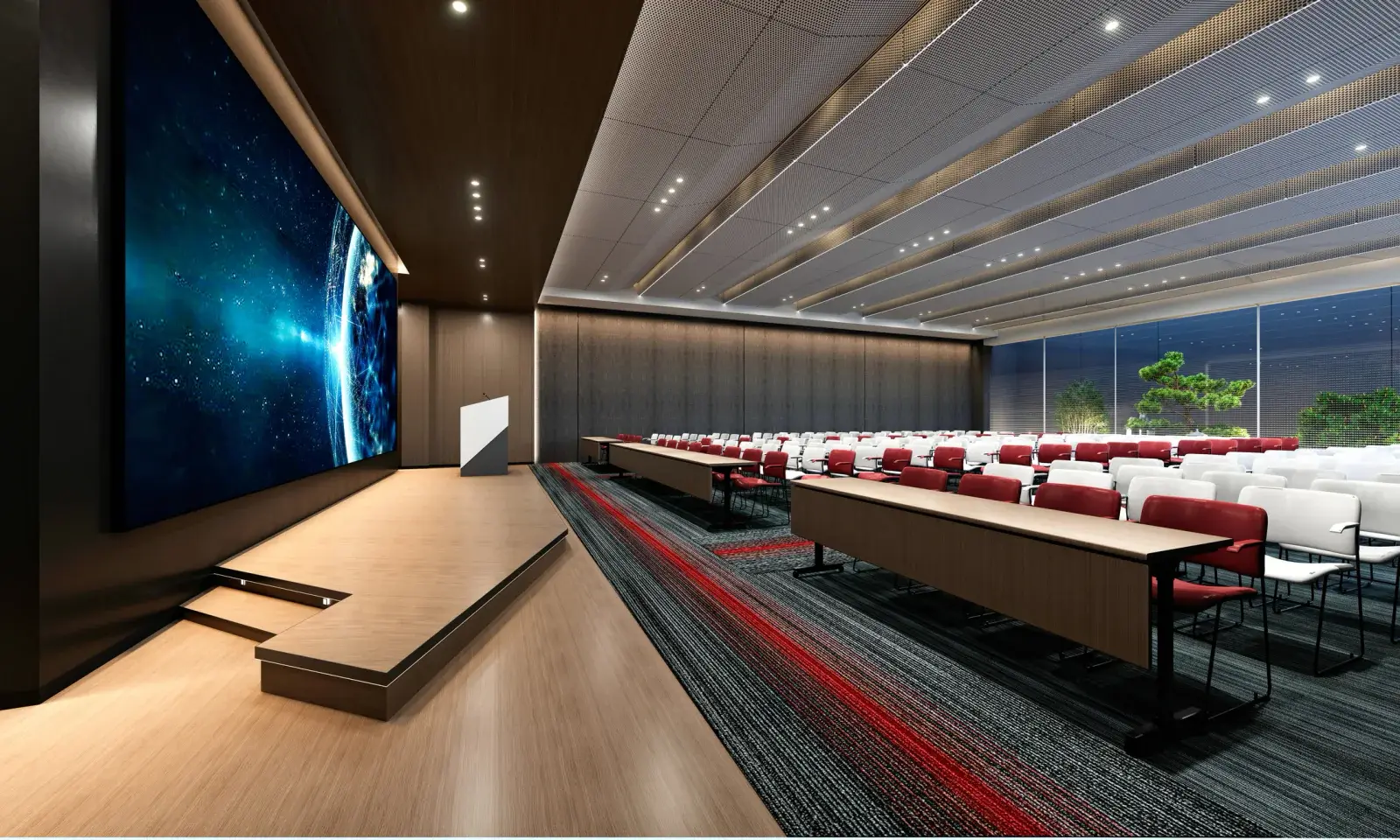
High-brightness and laser projectors with interchangeable lenses for ballrooms, auditoriums, churches, general sessions, and concerts.
View rentals →
Tripod, fast-fold front and rear projection, and inflatable outdoor screens in a range of sizes, with dress kits and drapes available.
View rentals →
LCD and DLP projectors in the 3,000 to 6,000 lumen range for conference rooms, training rooms, offices, and small events.
View rentals →Free, no-obligation quote
Tell us the occasion, audience size, location, and date. We will recommend the right projector, screen, and sound, and send a quote built around your event.